

If you are running too many apps on Windows which are memory hungry, obviously your system will slow down. This is not a desirable thing when using your PC, so it is good to have an app which can optimize your memory usage by apps. Memory Optimizer Pro is a freeware app for Windows which lets you to optimize the memory usage by the running apps. There isn’t any configuration available for the app and once you hit the optimize button, the app will start the task.
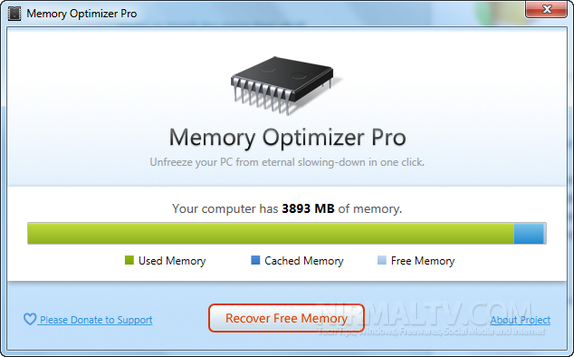
It will display the used memory, cached memory and free memory and recover you the memory based on the apps running in background. It understands your computer’s memory usage and keep it under control – Memory Optimizer will graph your computer’s memory showing you what’s using it and giving you an easy way to optimize it’s usage.
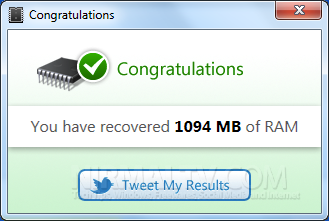
The app takes some time for optimization, so you need to wait once the optimization process starts. Some of the app might get hang when the optimization is in process, but once it completes, the apps will return to normal mode. We tested and found that the memory usage was brought down by this app.








I wanted to download and try this software: Memory Optimizer Pro, but Norton deleted it twice as not being reliable or possibly malicious. What’s the deal, any thoughts? Should I try and download it with Norton off? Is it safe? Your thoughts and advice welcome! Thanks!
Memory optimizers typically present a UI that shows a graph labeled
Available Memory and a line representing a threshold below which the
product will take action. Another line typically shows the amount of
memory that the optimizer will try to free when it runs. You can
usually configure one or both levels, as well as trigger manual memory
optimization or schedule optimizations. Some of the tools also display
the processes running on the system.
PC Repairs