

VPN or Virtual Private Network services are handy when you want to browse the web securely or anonymously. You can also access the blocked websites using the VPN connection. We have previously covered a list of good VPN services for Windows. Hideman is a simple and free VPN service for Windows which can quickly allocate you an IP address from several countries and in turn help you to bypass location-based content restrictions and also accessing blocked sites locally. The VPN supports IPs from Australia, Canada, Czech Republic, France, Germany, Netherlands, Panama, Russia, Singapore, Ukraine, UK, US.
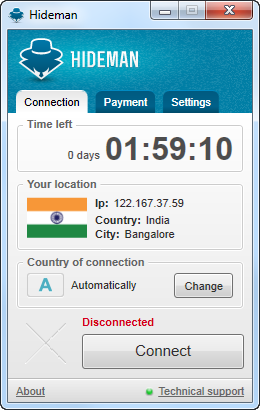
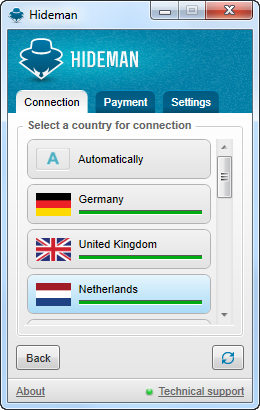
Once installed, just run the app and you will be connected to a VPN. It will automatically detect the country and allocate an IP based on it. You can also manually select the country. For example if you want to access a particular website in US or UK, you can select the respective IP.
 ‘
‘
The VPN does not cut down the speed for free connection, but if the load is high it might be limited to 512Kbps. The maximum download is 2GB for one month. You will be provided with 4 hours of access for one week, which can be claimed from the payment tab. If you want more, you can get a paid connection which is available starting $3 for 1 week, $9 for a month, $15 for two months, $39 for 6 months, $69 for a year.
Overall, HideMan is a free and straightforward VPN service for Windows.







