

PDF2Printer for Windows 8 is a simple freeware app for Windows 8 which allows users to print PDF file to any printer from Windows Explorer or in any application. You can actually right-click on your PDF document and choose Print. The right-click operation brings about the quick menu, and you can select the Print option. You can actually batch print PDF files using this option in Windows 8.
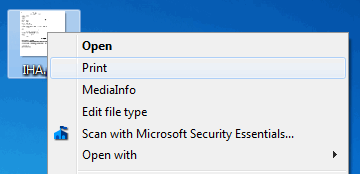
After you confirm the print option, you get the settings for PDF2Print to add files in batch mode and also selecting printing options.
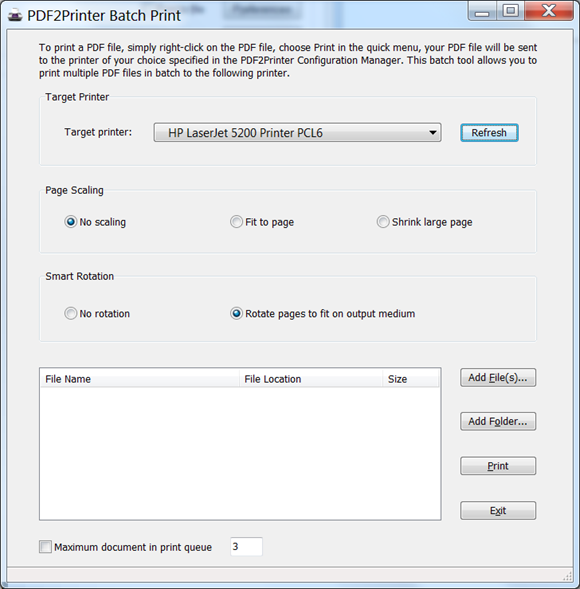
You can add multiple files or folders into the app for printing. There is also automatic rotation of PDF pages featured. You can disable the rotation at any time you want. You can also shrink large pages and expand small pages to fit on medium.







