

If your PC is being used by multiple people you never know how many users have used the USB drive on your Windows. USB drives are the most common way of PC getting infected with viruses. If you need the complete list of all USB drives used on your PC, you can try out the tool USB History View. It is a freeware app for Windows which lists out all the USB drives used in your PC.
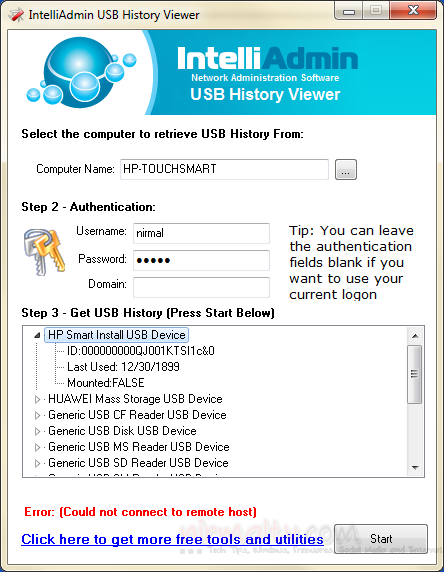
To fetch the results properly, you need to run the app in administrator mode and then select the computer (in case you are in a network). You can specify the authentication details if accessing a remote PC or leave it blank for current user. The app will fetch the details from the registry.
The details include ID of the USB drive, last used date and also lets you know if the drive is currently connected to the PC.
Related Reading: Keep Track of USB Drives Plugged into your PC
USB History Viewer is a simple freeware and portable app with an easy to use interface.







