Windows 8 developer preview released has many new features and improvements and one of them is the new Internet Explorer. Windows 8 comes build in with IE10 platform preview. Although there is not much changes in the UI part when compared to IE9, there is also a metro version of IE10 included in Windows 8. This version of IE10 is added as an app and can be launched from the start screen.
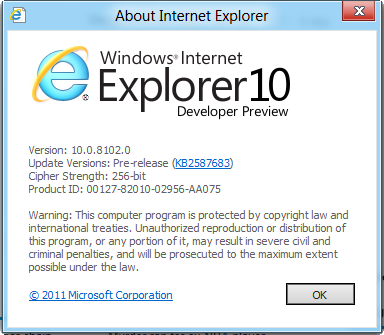
IE10 is pretty fast on Windows 8 both in terms of opening and also loading web pages.
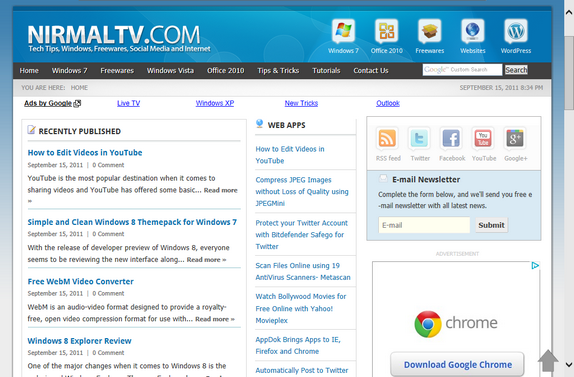
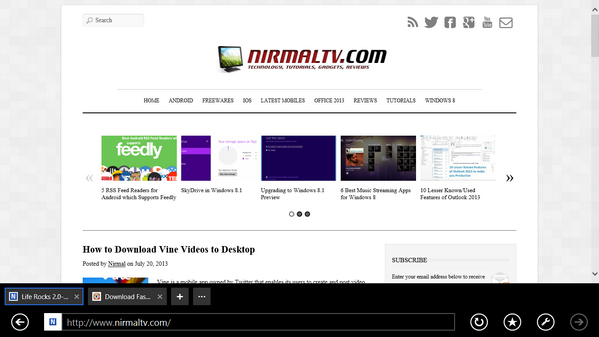
When you click on the Internet Explorer tile from the start screen, it opens up the metro IE10. This is optimized for touch screen tablets.
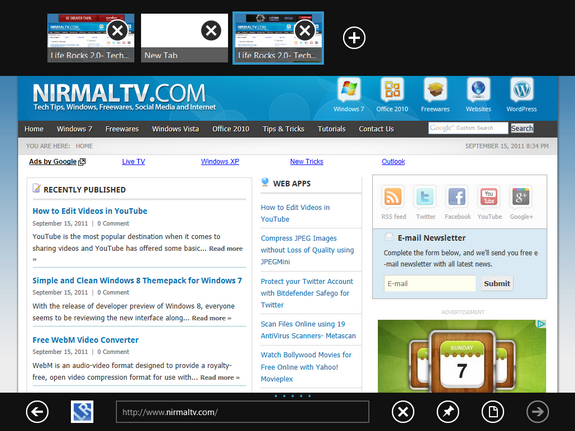
You can right click on any area inside the browser to bring the top and bottom bar. The top section has the tabs and you can add a new tab and also has the option for private browsing tab.
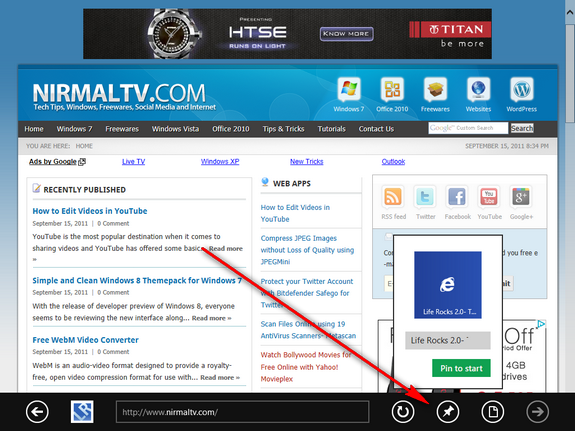
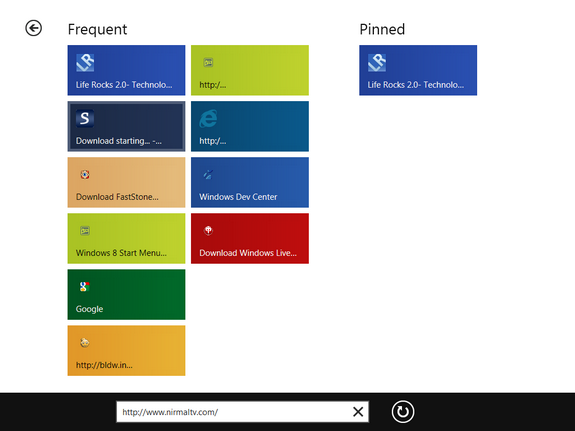
In the bottom bar, you can see the address bar along with buttons for refresh, back and forward. Another option is to pin the website to favorites and also to start menu.
You can always switch to desktop mode from metro mode easily from the interface.