

Although Facebook has an option where it shows the birthdays of your friends happening each day, you might miss out those notifications. HappyBirthday is an extension for Google Chrome which automatically sends a birthday wish to your Facebook friends on their birthday. It retrieves the data from your Facebook account and based on the message you set, it is sends out on their birthday. It shows the birthday notification counter on the Chrome bar.
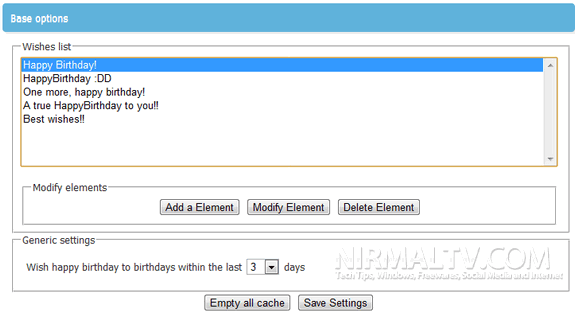
You can customize the message from the options available for the extension. HappyBirthday automatically sends your wishes from a preset list and writes out the phrase on your friend’s Wall (if the Wall’s not blocked). It shows a taskbar notification on how many wishes have been sent.
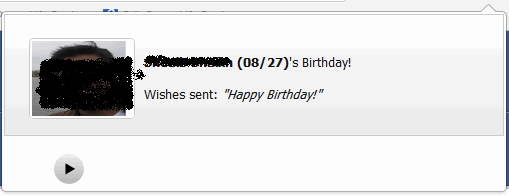
You can open the account of the person whom the birthday wish was sent to see it in action.
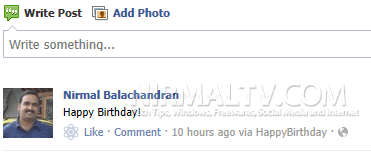
Since all the process is automatic, you don’t have to remember all the birthdays of your Facebook friends.
Download HappyBirthday Extension






Great to
read about it. This will also be a help to all: A New free FB web app that
lets you pre-schedule happy birthday wall posts called birthdayFB. It is a
completely free app. Your posts will be automatically posted to your friends’
walls at a random time on the morning of their birthday without them ever
knowing that it was pre-arranged.
Also your friend would not know that you used this birthdayFB app to post
your messages unless you tell them. It can prove to be very useful for the
facebook users.
Visit this site for more information:
http://birthdayfb.com
Thank you.