

Firefox 4 was released 2 days back with lots of features and improvements over the previous version. If you want to use Firefox in USB drive, you can also download the portable version of Firefox 4. One setting which is missing in Firefox 4 is prompts to save the tabs on exit, right now it only shows the warning that you are about to close the tabs.
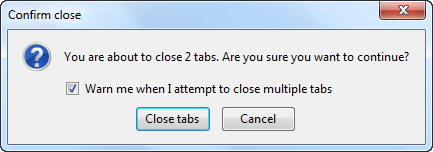
But if you want the option to save the tabs before you quit, you can enable it with a simple hack. Open a new tab and type about:config. Click the “I’ll be careful, I promise!” button and in the filter bar type browser.showQuitWarning and hit enter.
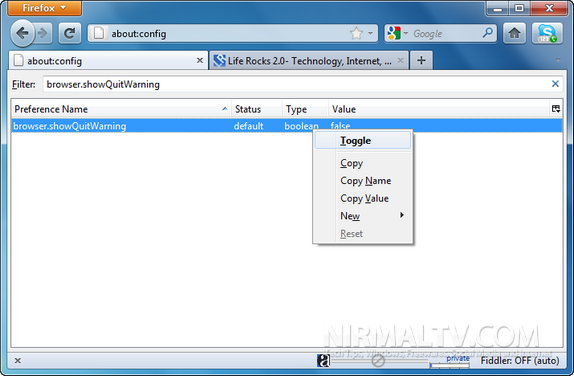
You can see that the current value of this is false. Double click on it to change the value from false to true, or right click on it and select Toggle. Once you enable this feature, you can see that Firefox 4 asks you to save the tabs when you quit.
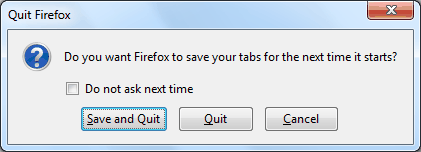
Once enabled you can save the tabs before you quit so that you can have your tabs and data back when you open it again.




Thanks! It works!!
Wow,
Thank you Nirmal, this was helpful.
🙂
Thanks a lot..it works now 🙂
awesome! thank you!!!!!!