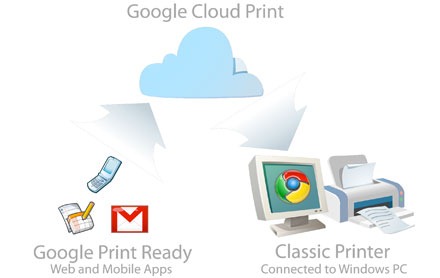
Google Cloud Print is a service which allows you to print a file to any connected printer around the world. By connecting your printer with the Google Cloud you will be able to print to your printer from any computer or smart phone. Before you print, you need to sign in with your Google ID and then connect printers to your account. You can print from any web application or any desktop file using cloud print.
Print Using Google Cloud Print is a Google Chrome extension which allows you to print any document from Chrome browser. Now you can print any doc/pdf/txt file you wish using Google Cloud Print. Just navigate your way to the desired file and click the extension’s icon.
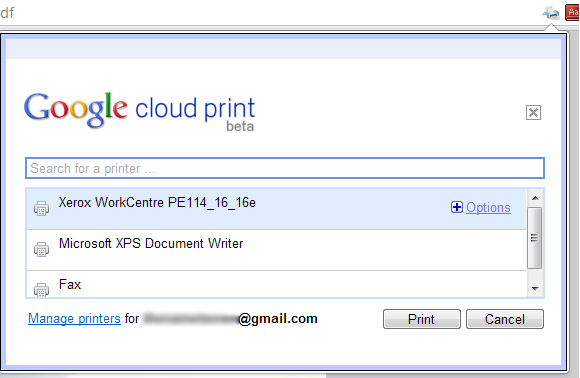
The icon will appear on the left side of the address bar only when the current tab’s URL ends with .pdf, .doc or .txt.
More details on the extension can be found here.