

Securing your files and folders is a priority job if you have important files and documents in your PC. BuduLock is a small freeware tool for your computer security which can lock/unlock your computer folders. It can also enable/disable USB port for flash drive. You can easily lock any folder using a password with this tool. Once locked, the folders are shown with a lock indicating no access to the folders. To unlock it you need to specify the password again.
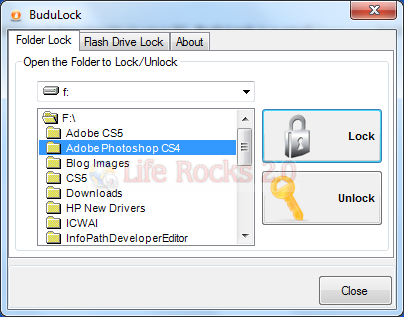
To lock any folder, double click the folder in the list and click on the lock button. This will prompt you to enter the password. Once locked, the folder is displayed in Windows Explorer with a lock. To unlock, repeat the same procedure and click the unlock button.
There is also an option to enable and disable flash drives on your PC.
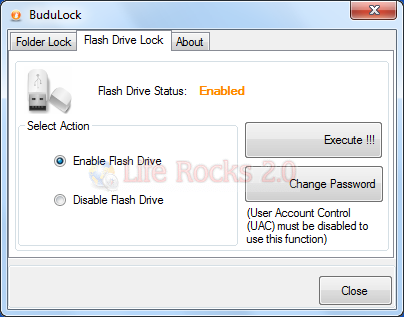
When you disable the USB port for flash drive, any unauthorised user will not be able to use the flash drive in your computer. BuduLock software will disable the USB port for flash drive. The tool has been designed to work with Windows 7 and Vista.







