

RedCritter is a new Outlook add-in which helps you to get the better out of Outlook by providing features like attachment search, contact search, Twitter Integration and much more. The whole concept of RedCritter is based on Silverlight and provides a new experience in Outlook. RedCritter is compatible with Outlook 2007 and 2010 versions. The best part of RedCritter is the app support, where in you can add or remove app from your Outlook RedCritter dashboard.
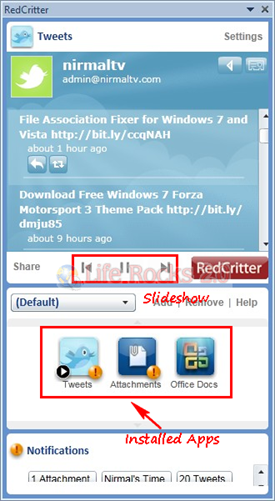
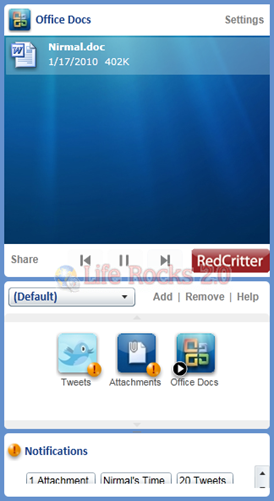
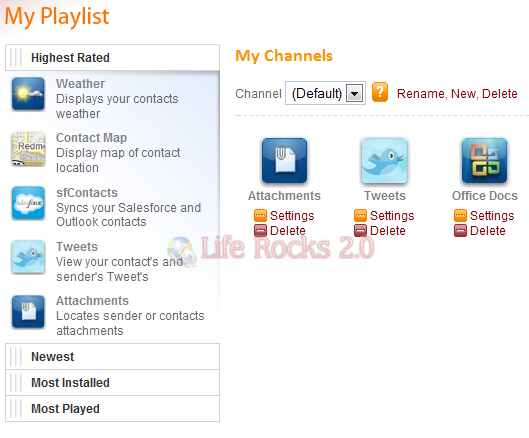
The first step is to install the add-in and create a free account with RedCritter, once done, you can add apps from the apps page of RedCritter. Presently there are around 6-7 useful apps like search (emails, contact, documents), Social networking (Twitter), Maps (for contacts) , weather, clocks etc.
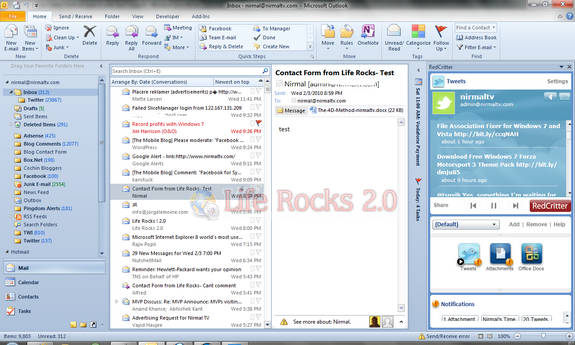
Whenever you add an app to Outlook, it appears in the web dashboard as well. In fact the apps are rotated like a slideshow in the Outlook panel. You can even remove or customize apps from the web dashboard after logging in.
There is also a developer API for getting started with creating apps for RedCritter based on Silverlight. We might see more and more social networking apps being developed for RedCritter in future.







