

System Restore helps you restore your computer’s system files to an earlier point in time and there is an option in Windows to create a system restore. If you are not familiar with creating a system restore, we had covered free utility called Single Click system Restore and also a simple VB script to create system restore easily in Windows. The Windows Club has come up with a similar utility for creating System restore in Windows Vista and Windows 7. Quick Restore Maker allows you to create one in a single click.
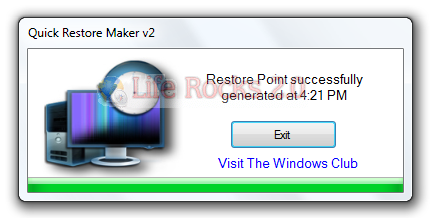
The restore point so generated is named as ‘QuickRestoreMaker Generated‘ point. Simply download and extract the content on the zip file and place the program folder in your Program Files folder and the shortcut of its exe file to your Start Menu.
It has been tested on Windows 7 & Vista, but may work on other Windows versions too.








Thanks Nirmal for sharing this tool, I want to ask something, while repairing windows, in system restore option I got a D drive as a system restore drive instead of C drive, is there any way to change system restore drives in Windows.
its really a very helpful for us.