

We have covered an utility called Bing Wallpaper Downloader which can download the latest wallpapers appearing on Bing search engine. Here is another freeware application called Bing4Free which can download wallpapers from Bing at scheduled interval. You can schedule the application to download wallpaper from Bing.com daily or even hourly. The application also act as wallpaper changer which help you to change you windows desktop wallpaper.
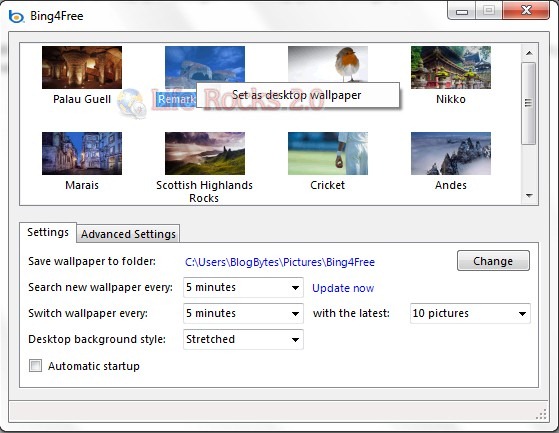
You can set the folder to which downloads have to be saved. You can also set the application to check for any new wallpaper at particular time interval. Once you download the wallpapers, you can also change your desktop with this wallpaper. This also can be scheduled. You can also set the wallpaper style on your desktop (centered, stretched, tiled etc) using this tool.
Bing4Free is a very useful and yet simple tool to download and set Bing Wallpapers on your desktop. The application is still in beta, so you might find few bugs.






