

Previously we have covered various application launchers for Windows. Radian is another freeware tool which is a simple radial application launcher. The interface is triggered by a continuous right-click and is divided into four slices. Each slice can be configured differently for applications. The application are arranged in a circular format in four slices and you can select the programs to be added to the slices.
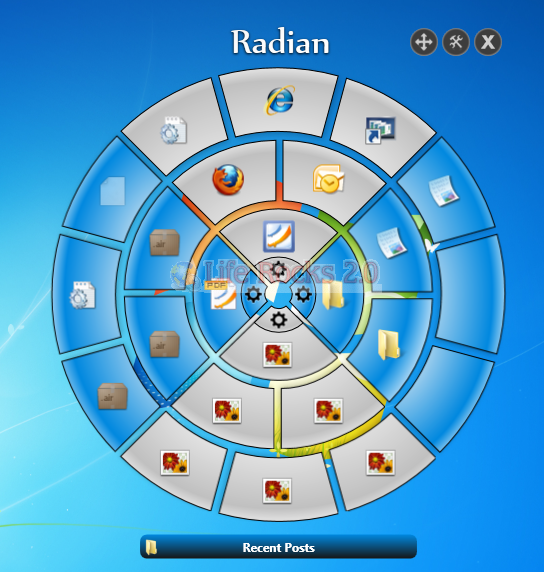
You can configure each slice separately and each one supports the following modes;
- Custom – the slice will contain shortcuts manually dragged from existing shortcuts or files (from the Quick-Launch, Desktop, Start-Menu, Folder, etc…)
- Quick Launch – shortcuts from Windows’ Quick-Launch
- Desktop – shortcut from Windows’ Desktop
- Recent Docs – recently opened documents
If you chose custom, you can add your own shortcuts for the applications to be launched.
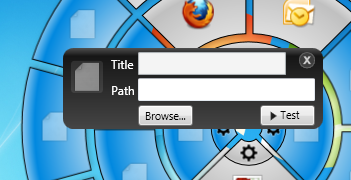
The right-click trigger allows you to access the menu quickly without needing to scroll to a certain area on your screen. The menu can be loaded by right-clicking and holding anywhere on the screen.
You can also customize the colors of each of the slices from the settings menu. Another feature of Radian in Windows 7 is when you drag Radian to maximize, the radial slices split and separate out from the center.







Another good freeware alternative is Krento. It has the similar functionality, but can be controlled not only by mouse, but by keyboard only as well.