

There might be situation where we would like to hide running application and not close them, in case you want to share your desktop with friends for few minutes or so. WinRAP (Windows Running Applications Protector) is a small and simple freeware utility which allows you to hide windows application, and hide programs which are running on your screen. It will instantly hide all or certain programs on your screen with a key press. You can select which all applications to hide from users.
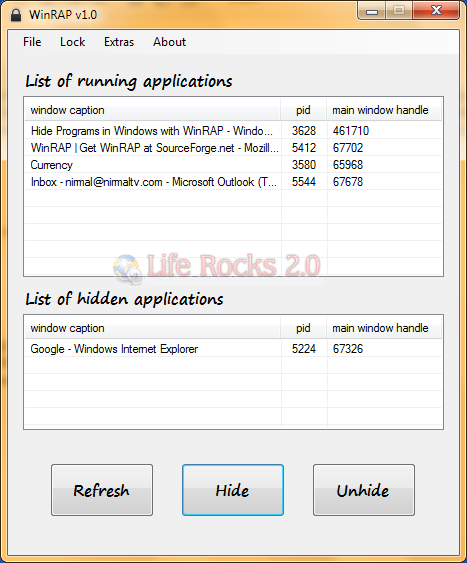
This utility will not close the applications, but only hide them from displaying. The hidden application can also be restored exactly to the same state before it was hidden using the interface. It can also clean your desktop by hiding unneeded windows applications while leaving them running.
Features:
- It also has a lock feature to forbid others from accessing this utility temporarily.
- The hidden application can also be restored exactly to the same state before it was hidden.
- Besides that, it can clean your desktop by hiding unneeded windows applications while leaving them running.






