

Firefox 3 has a feature by which it automatically scans the downloaded files once the download is complete. This feature is good in one sense that all files will be scanned before opening, but in another sense this could be annoying if the file size downloaded is huge and Firefox takes up lot of time scanning the file.
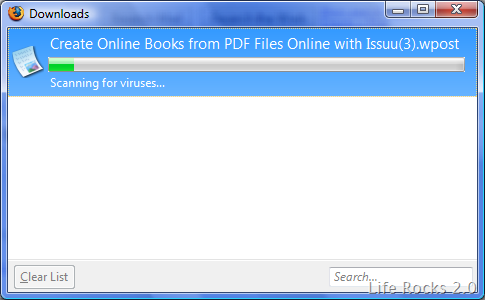
This scanning setting can be disabled so that Firefox will not scan files after completing download. This would be useful only if you have a good Anti-Virus installed. To disable file scanning, open Firefox and type about:config in the address bar.
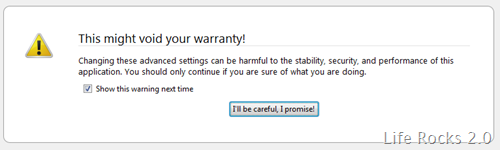
Click “I’ll be careful, I promise!” and then in the filter type browser.download.manager.scanWhenDone. You can see a boolean value for this entry and its set a true by default. Double click the entry and change the value to false.
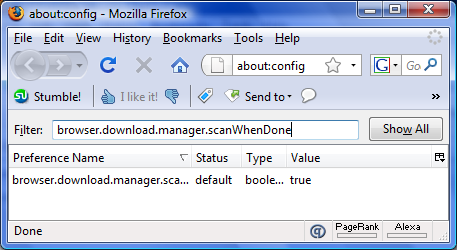
Next time you download a file, Firefox will not scan the file after completing download. The change is instant and you dont have to restart Firefox for the effect.
Thanks Raymond for this tip.




this is really cool …
I am looking for this tips ..very nice blog with huge data
Thanks bookmarked