

There are hundreds of paid applications for Windows which you might have installed on your PC. These applications while installing asks for the license key or serial number and these numbers once installed might not be visible to user. So what if you want to reinstall the application but you do not have the code with you?
MyKeyFinder is one such freeware app for Windows which can fetch the license keys of all the installed applications on Windows including Windows OS, Office and other tools.
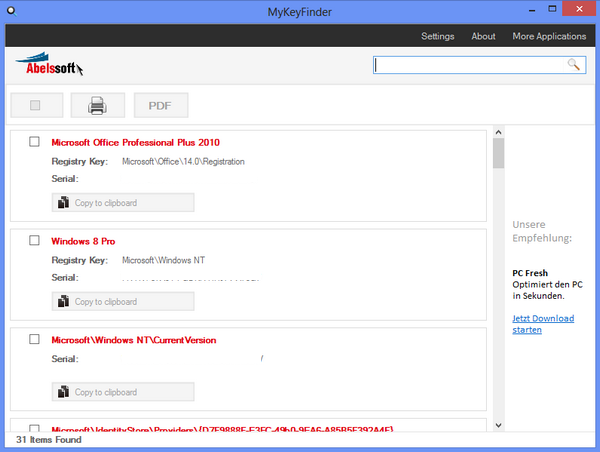
Just run the app and it fetches all the codes from the registry of Windows and you can print it or save it as PDF file.
Serial numbers may be stored on different locations and may even be available multiple times. MyKeyFinder contains a filter and will remove all invalid numbers and all duplicate entries so that you don’t have to worry about it.
You can easily export the list to PDF file.








What a shity application! No matter your input e-mail address is says that is a invalid e-mail address!!!
Wouldn’t be easier with ProduKey from Nirsoft: http://www.nirsoft.net/utils/product_cd_key_viewer.html?!