When Google unveiled the new version of Android, the Ice Cream Sandwich, along with the Galaxy Nexus, there were many new features made available in ICS. One of the features was Android Beam, a NFC (Near Field Communications) enabled feature which lets you to simply tap two NFC-enabled devices together to share a piece of information. This Android Beam service will be available on NFC enabled handsets and work with a range of apps and services in Android, including YouTube videos, contact information, maps, web pages, and even links to apps.
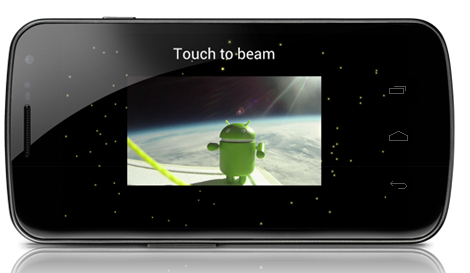
The Android Beam service is now available in Samsung Galaxy Nexus and should be available to other phones with NFC when ICS is rolled out. With Galaxy Nexus you can now easily share contacts, websites, apps, maps, directions and YouTube videos to other people close by. To start the Android beam, simply hold two NFC enabled Android phones close to each other and touch to beam and share.
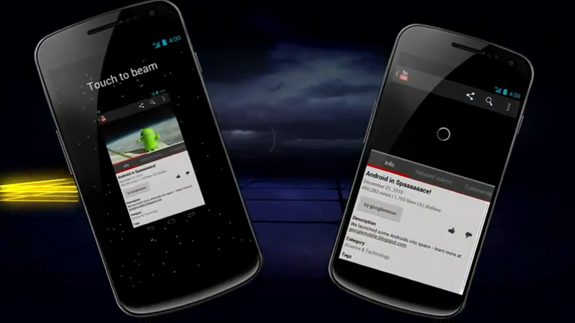
Here is the official video on Android Beam from Google.
The main advantage of using Android Beam over other techniques like Bluetooth is that you don’t have to go to settings and then enable Bluetooth and search and pair the device etc. With Android Beam, just tap the device and you share content. The main limitation of Android Beam is that currently only Galaxy Nexus supports it but once ICS is rolled out to other NFC phones, Android Beam should be more popular.