

Windows 7 does not provide any option to change the boot screen in the OS. Unlike changing the logon screen, changing the boot screen is more complicated. BootChanger is a freeware app for Windows 7 which lets you change the boot screen easily without having to do any manual changes. You can select the boot screen which you want to set (there are numerous boot screens available for download from the internet) and click on start.
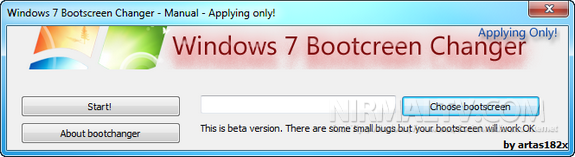
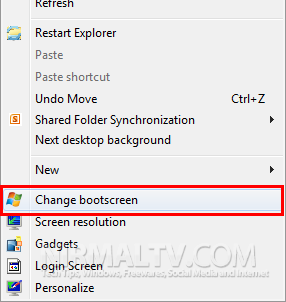
Every time when you run this tool, it asks you to create a system restore point. Since the tool is in beta version, you need to take a proper backup of your PC. Once installed, you can even access the app from the context menu on Windows desktop.
Please note that this tool is in beta version and hence try it out on your own risk.
Related Reading: How to Customize Windows 7 Boot Screen with Windows 7 Boot Updater








