

There are many programs and updates in Windows which creates system restore when it is being installed. The idea of system restore is for the fact that you can bring back your system to old state in case of any issues. System Restore Manager is a freeware portable utility which allows you to completely manage your Windows system restore points and customize its options. With this free tool you can create delete or restore the system to any state available.
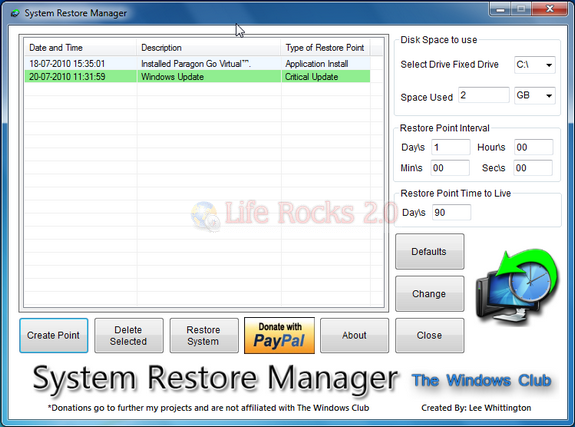
The utility can do the following tasks;
- Create a Restore Point
- Restore your Windows PC to a prior restore point.
- View all the available restore points
- Selectively remove Restore Points you don’t want and save the one’s you want
- Easily delete any system restore points
- Select a Drive and change the maximum amount of disk space to use, System Restore can use. On Windows 7, the default is 5% of available disk space.
- Change the System Restore Point Creation Interval. On Windows 7, the default is 24 Hours
- Change the Restore Point Time to Live. The default is 90 days,on Windows 7
System Restore Manager is a simple freeware utility, but has lots of features to manage your system restore.
Download System Restore Manager







