

We delete lots of files daily and some of these might be confidential information as well. With lots of freeware tools to recover deleted items, these confidential files can be recovered any time. So it is always advisable to delete these files securely. TweakNow SecureDelete is a freeware tool designed to securely delete files from Windows using the selected algorithm. This tool allows to to delete files permanently from Windows without the risk of being recovered again.
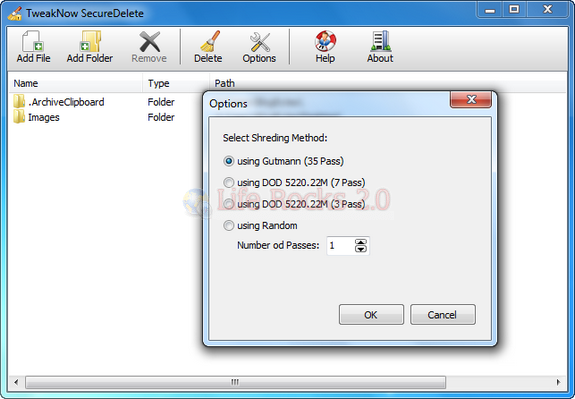
TweakNow SecureDelete support two of the most common used algorithms: Gutmann and DOD 5220.22M. As addition the program also support overwriting deleted files using series of random character multiple times. This method might be less secure, but faster than the other two methods and still safer than standard Windows delete method.
You just need to add the file or folder which needs to be deleted and also select the algorithm using the option, once done select the delete button and your files are deleted permanently from Windows.
Download TweakNow SecureDelete







