

If you had used Windows Vista’s snipping tool, you might be knowing that it is an useful screen capture utility. But this tool is not available in all versions of Windows Vista as well as Windows 7. PrtScr is a simple, yet powerful screen capture tools which has the functions of snipping tool and also has other customization which makes it worth tying.
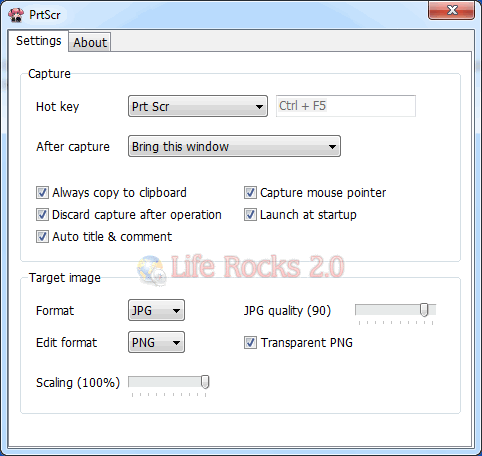
PrtScr goes further and improves on the screen capture itself. Unlike Snipping Tool, PrtScr can capture overlay windows like the translucent components of desktop widgets. You can capture with freehand movements or by region and draw on your screen captures on the fly. Watch this video to see how PrtScr works.
Some of the features of PrtScr;
- Accessible through Ptr Scr, Ctrl+Prt Scr, or custom hotkey
- Captures full screen, rectangle selection, freehand selection, or active window
- Can capture mouse cursor
- Supports multiple monitors
- Allows annotation over capture, with smooth, natural mouse drawing
- Saves capture straight to desktop or to any file, sends it as email, edits, prints or sends to clipboard
- Exports as JPG, BMP, or PNG (transparent or opaque)
- Can re-scale capture before exporting
- Can pre-fill capture title & comments with window title & browser URL







