

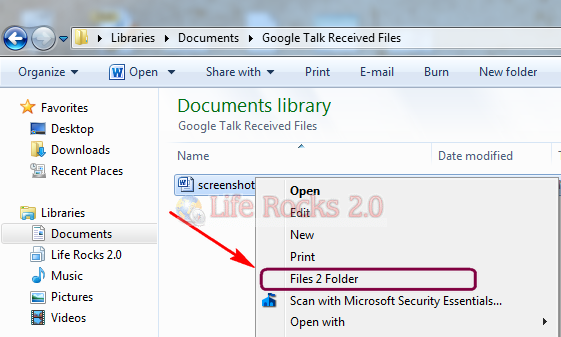
Files 2 Folder is a simple freeware tool to quickly create folders based on the selected file name. If you have download some files from the Internet and move all the files to a folder, you can do this job with this portable utility. Once you install the application, you can just right click the file and select the option Files 2 Folder and the tool will create a new folder based on the selected file name and move the file to the folder.
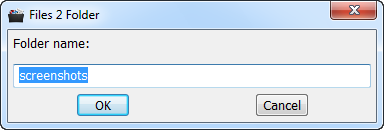
In case you select multiple files, the utility asks for the name of the folder.
When you install the application, it adds an entry to Windows registry. It is advisable to take a back up of Windows registry before making any changes. On Windows 7, you need to run the application in administrator mode for installation.








Unlimted Free SMS Send unlmtd sms anywhere in India http://www.mgigo.in – Rgstr & win free holiday pack frm Zest Mahindra Holidays..
That is indeed a very useful tool!
Unfortunately… doesn’t work for unicode-type of file names… 🙁
how do you use the automatic filename in office 2010 like you could from office 2003