

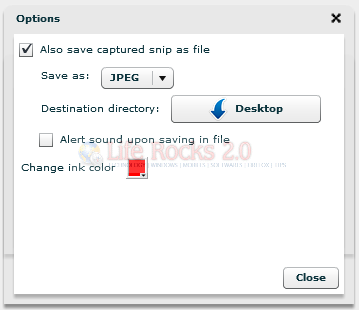
We have covered quite a few free screen capture tools for Windows. Snipper is another useful screen capture utility based on Adobe Air. Snipper is a desktop capturing tool to snip out an area off your screen through an easy and quick way. It provides option to save the captured screenshot in JPEG and PNG format.
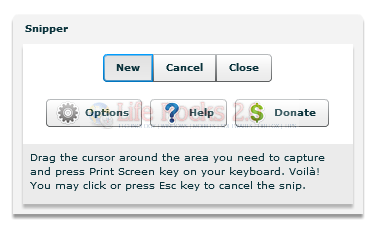
Steps and Features:
- Drag to create a snip area and adjust.
- Press Print Screen key on your keyboard to capture it in Clipboard and optionally in File.
- You may click outside the snip area or press Esc key to cancel the snip.
- You may also press Ctrl+V key combination to paste the snip in your favourite application e.g. MS Word, MS Paint.
You need to install Adobe Air to run this program.







