

Windows Live Writer is one the most popular free blogging tool used by most of the bloggers. Many time when we compose articles, we might have to add the same text again and again. For example if you want to add the author information to all the posts, then you need to copy and paste the same text again and again. Snippets Manager is a plugin for Windows Live Writer, which allows you to organize your snippets in one place and allow you to add it into any post very quickly.
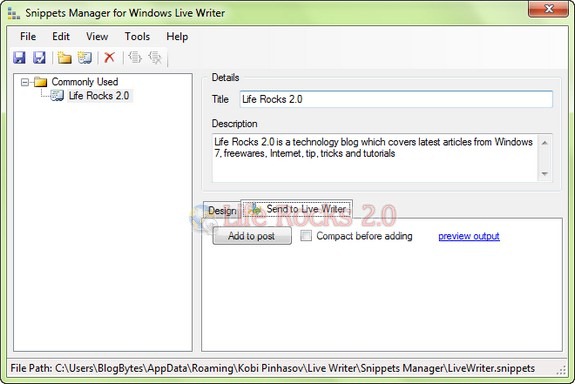
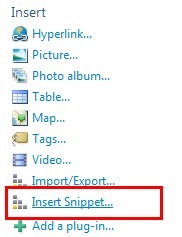
You can create snippets in different categories and group them together. To add a snippets to post, you can use the link available in the Insert menu on the WLW sidebar.
Main features
- Manage snippets in categories
- Advanced snippet design – allows marking placeholders where custom text can be inserted to
- Familiar and intuitive user interface
- Saving snippets in external file (ideal for backup/restore scenarios)
- Loading snippets from file
- Quick and straightforward installation process
Download Snippet Manager for WLW






