

When it comes to customizing Windows 7 Logon, we have covered many free applications like Logon Changer, Logon Screen Rotator etc. Here is another simple tool developed by Deviantart user which can quickly set your wallpaper as the logon screen background. Account screen editor provides an easy way to customize the logon background. All you need to do is to click on “set background” and choose a picture for your logon screen.
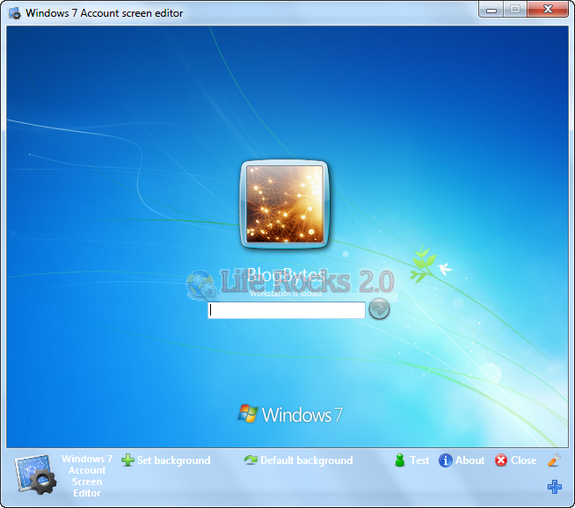
If in any case you want to switch back to default logon then, click on: “Default background” to change the logon screen background to the default background.
Whenever the picture you selected for background is to large, ASE will automatically make the picture smaller.
Download Account Screen Editor







Nice tip for changing the windows 7 logon but you know what most of the indian people are still sticked to windows xp… they even dont know about windows 7 🙁