

Navigational links are an important element of any website design. CSS Menu Maker is a free and powerful graphical user interface for creating great looking CSS drop down menus. There are many ways to create the dropdown menus using JavaScript, but CSS menus do not require JavaScript or plug-ins in order to run. It is purely based on CSS and works well on all popular browsers. You can design these menus without writing any code
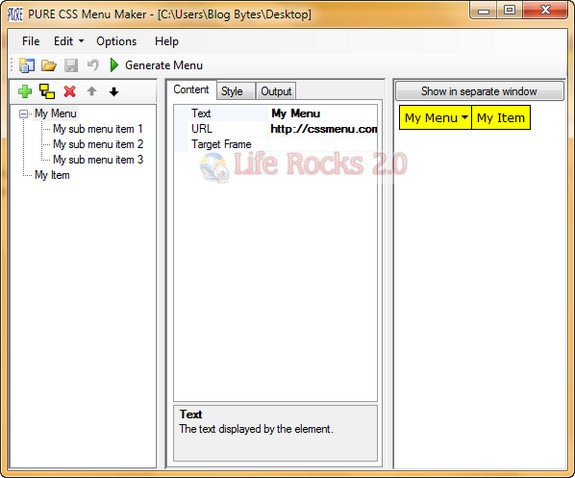
PURE CSS Menu Maker can create both horizontal as well as vertical menus. Menus generated with this tool can be easily modified. You can customize every aspect of the menu including fonts, colors, number of menus etc.
Pure CSS Menu Maker is a handy utility for web designers to create navigational menus quickly.






