

Generally when we install Windows on any machine, we do it using CD or DVD drive, but with Netbooks the DVD drives are not available and you need to install using USB drives. WinToFlash is a free tool which helps you to transfer your Windows installation to USB flash drives. WinToFlash is a handy application that will help you transfer your Windows XP, Windows 2003, Windows Vista, Windows 2008, Windows 7 setup from CD or DVD to flash in a few steps.
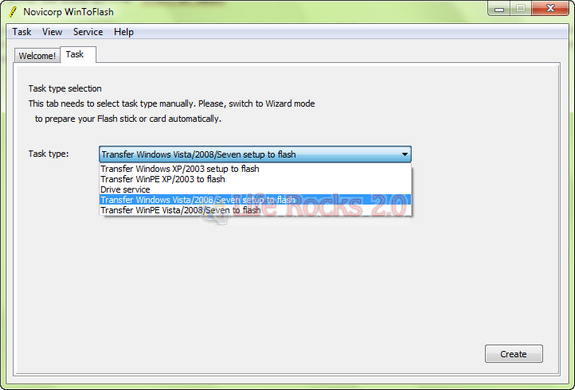
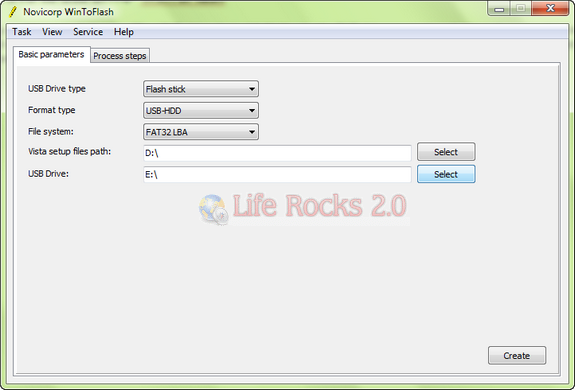
Depending upon on the Windows version you are selecting, the steps are decided. You can use this tool to install Windows 7 from a USB drive. You need to set in the basic parameters like locating the DVD file and also locating the USB drive.
Apart from this WinToFlash can also transfer your live CD/DVD to flash card.







with any such app, there are normaly some niggles which ultimately make it useless. i hope this doesn’t suffer from any of it. I would love to use it if it’s good to go without any hiccups!
You saved my life mate, I was in trouble when my laptop dvd drive stopped working. I tried this software and it seems to be the ultimate solution.
actually i have a doubt in doing this.should i copy .iso file to usb or the whole set of folders extracted from daemon tools?please help me
Thanks my friends