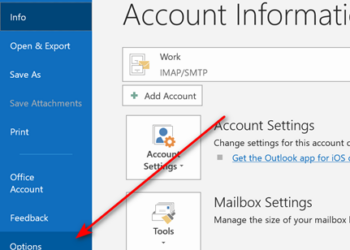
Document information helps us to see the author details, comments or any metadata like tags, last edit information etc. With Office 2010 editing the information or meta data has become more easy. Previously the document information was available in Prepare menu of the Office options and now with Office 2010 editing or previewing document information is with one click. To edit or view document information, click on the office icon on the top left hand corner and this opens the info tab for the document.
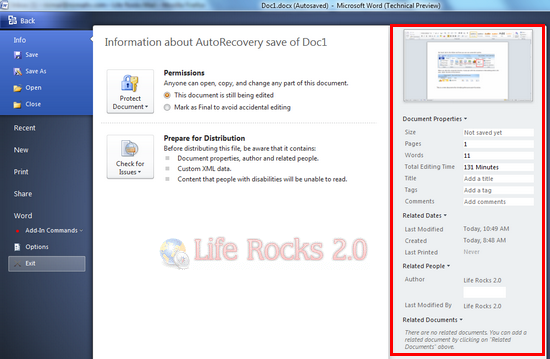
In the information tab, the right hand side panel has the document information, meta tags, author details, comments, last modified date etc.
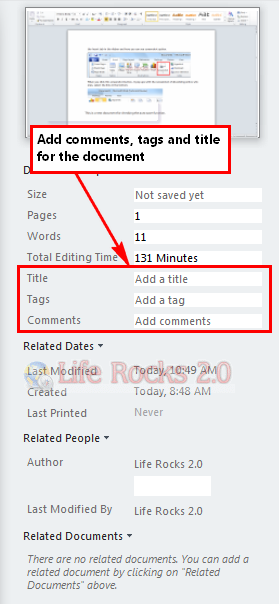
You can also add related documents using the link available at the bottom.