

JExplorer is a simple and useful free dual-panel type file manager and web-browser for Windows. What makes JExplorer different from other file explorers is that it provides many advanced features such as file manager, web browser, file compress/decompress, folder comparator, FTP client, POP3 email check, image capture, character recognition on the image, virtual drive mount.
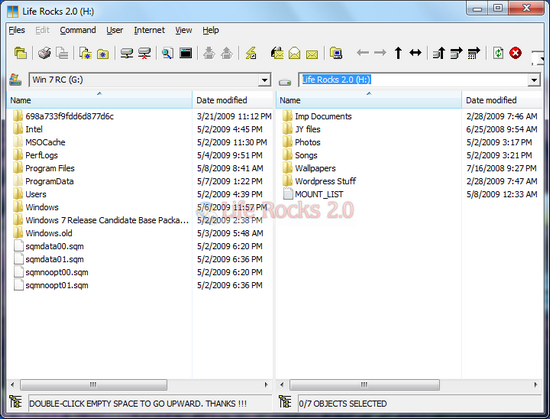
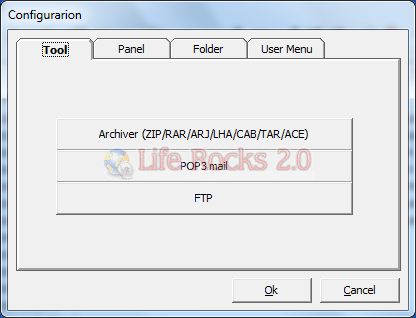
You can configure the email through POP3 and FTP using the configuration tool. It also features a build in archiver. Power toys JOCR which reads text from images, JMounter, and JCalculator are included in the JExplorer.
JExplorer works well with Windows 7 as well although it was designed for Windows XP. Features of JExplorer are;
- Explore Internet URL
- Upload/download files across FTP server
- Check POP3 emails on the unlimited POP3 mail servers
- Compress files (ZIP/LHA/CAB)
- Decompress/extract files (ZIP/RAR/ARJ/LHA/CAB/TAR/ACE)
- Send selected files as attachments of mail
- Duplicate files or delete identical files by recursively comparing contents of two directories
- Explore system folders on fixed drives and network drives
- Copy, move, rename, or delete contents of hard drives, network drives, FTP server, or archived file
- Capture an image on the screen and recognize the characters on the image








I know of some others too, but does this one work on Windows 7 ?