

Cyber-D’s Mov2Gif is a freeware tool to get GIF animated images from Movies. This application extracts frames from video and saves them as an animated gif. The application supports mov, mpg or avi video files and converts then to animated GIF images. The application is very simple and easy to use at the same time provides decent options when converting to GIF images.
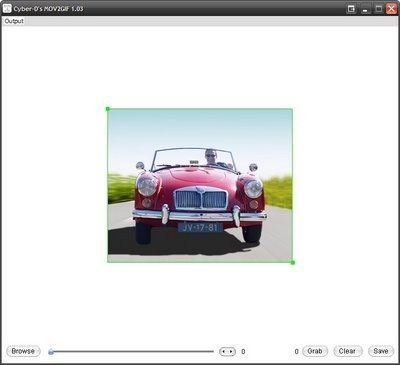
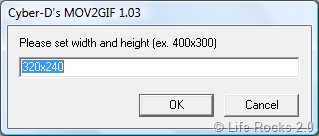
Select the video using the browse button located below and once the video loads, you can actually select the time frame below the video. In the top menu, Output, you can set the set the resolution of the image.
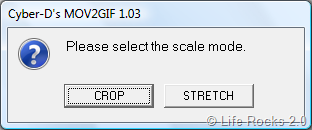
There is another option available from the same menu where in you can crop or stretch the video to your needs.
Once you have set the image parameter, you can generate the GIF image by clicking the grab button. Although Cyber-D’s Mov2Gif is a simple application, it can be useful at times.







