

Windows Sysinternals Control Center (WSCC) is a free utility with which you can view, execute and organize the utilities from the Windows Sysinternals Suite. WSCC is only an interface, you need to download and install Windows Sysinternals Suite separately. If you have already having the Sysinternals suite, then you can control all application from this easy to sue control panel.
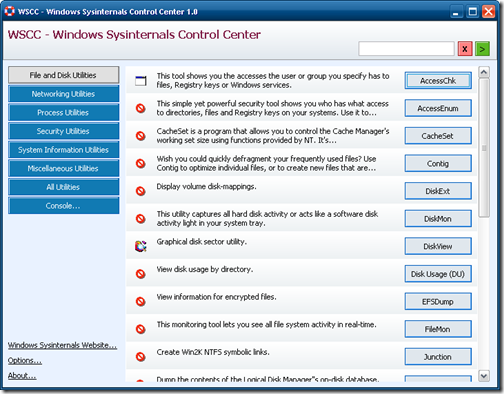
In case you do not have Sysinternals suite installed, you can still try them from the web interface using this application. WSCC can work with the Sysinternals Live service provided by Microsoft. The utilities are divided into 6 categories- File and disk, Networking, Process, Security, System Information and Miscellaneous. There is another tab which displays all the utilities.
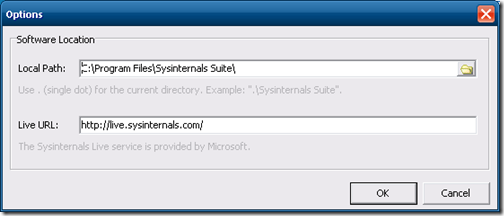
In the options link on the bottom left corner, you can provide the directory where Sysinternals in installed.
WSCC uses the included WSCC Console to execute command line applications. WSCC is portable, installation is not required. Extract the content of the downloaded zip archive to any directory on your computer. WSCC is a good tool to organize your Sysinternals suite.
Download Windows Sysinternals Control Center








So this is the control center of a group of apps? Am I right?