

Send To menu in Windows is one of the very useful and most commonly used menu. In Windows XP, Send To menu was accessible by typing sendto in run command, but things have changed in Vista. If you type the sendto in run command in in Vista, you will not be able to access it, instead it throws an error.
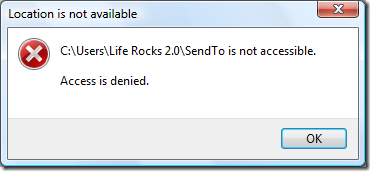
In Vista, to access sendto menu in Vista, type the following in run command.
%appdata%\microsoft\windows\sendto
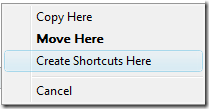
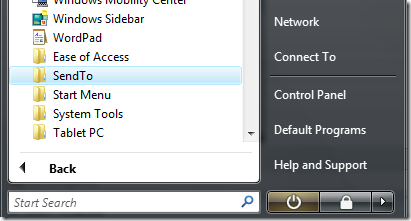
Now you will be able to see items in sendto menu. But it will be difficult to remember the command all the time. To access the sendto menu quickly, you can create a shortcut to sendto menu in the start menu. Drag the sendto folder to the start menu and drop it between folders in All Programs. You will need to righ drag the folder to the start menu. Once you release between the folders, you need to select Create Shortcut here option.
Once shortcut is created, you will be able to access sendto menu quickly from start menu.




just type shell:sendto and hit enter in the run dialog.
Short and memorable
@Anoop yups shell:sendto definitely looks more faster
thats really a nice tip gona help me thanks nirmal for this share
E X C E L L E N T tip!