

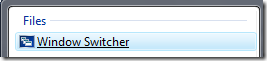
Windows switcher is the function which enables Windows Flip 3D effects in Aero. Windows Switcher is available as a quick launch shortcut when Vista is installed. In case you deleted the quick launch for Windows Switcher, here is the way to get it back. Click on the start button and in the search type “Switch” and you can see and entry Window Switcher under files.
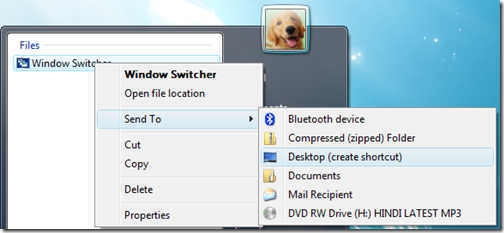
Right click and select Send to -> Desktop (Create shortcut). This will create desktop shortcut for Switcher.
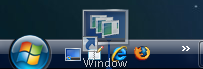
Not drag and drop the Switcher shortcut to Quick Launch.
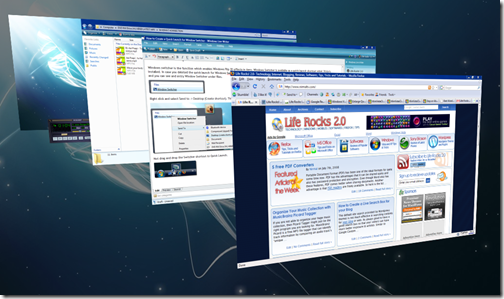
Now when you click the Window Switcher on the Quick launch, you can see the flip 3D effects in action.
Hope you liked this tip, you can check out the complete collection of Windows Vista tips.




i removed it cause i didn’t want it. nice tip though 😉
nice tip nirmal i also removed it simplicity is what we need =]
there is a simple way of enjoy this feature.
simply click on the left “windows” button together with the “Tab” button.
clicking the Tab while holding the Windows button will shift between the open windows.