

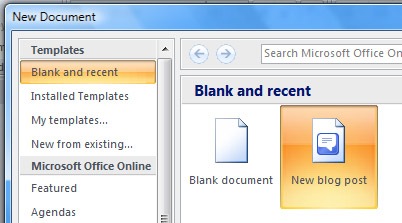
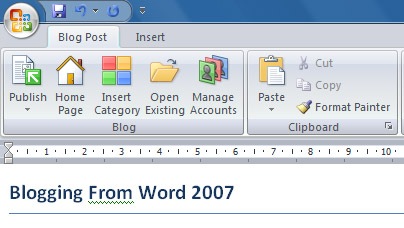
There are lots of free softwares for blogging and Windows Live Writer is one of the most popular one. In case you are using MS Word 2007, then you can use Word as a blogging tool. Word has all the basic options for composing and publishing posts. To compose posts using Word 2007, click on the office button on top left corner of the page and select New. In the new document box, select New blog post.
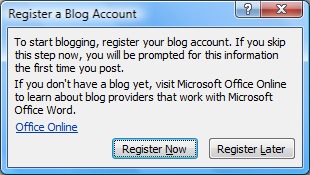
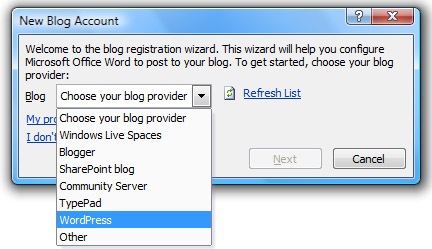
If you are selecting this option for the first time, you get a pop up box asking you to register for a blog account and select the the blog provider.
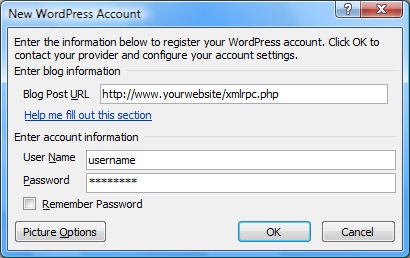
Next you need to provide the login details of your blog and the remote posting url.
Once you have done with the configuration, you get a confirmation. Now you can start composing posts with the word editor. One you are done with composing, publish the post using the Publish button.






Nice guide!
Excellent. I am going to see if this feature is available on Office for Mac.
Is it possible to post images, i don’t think so.
@Ram,
I think it should be possible, not sure though. I will check after inserting a picture to word.