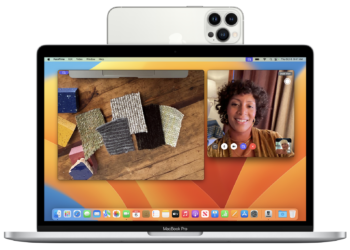
How to Scan Documents on your macOS using iPhone with Continuity Camera
Continuity Camera is a new feature announced by Apple for macOS and iPhone/iPad users. Mac users will be able to ...

Continuity Camera is a new feature announced by Apple for macOS and iPhone/iPad users. Mac users will be able to ...

With the expansion and popularity of the internet, there are many places across the globe where certain websites are banned ...

If you are using an Android smartphone, pretty sure you might have heard of USSD codes. USSD codes or Unstructured ...
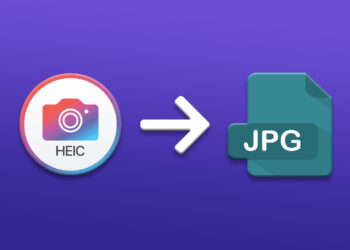
High Efficiency Image File Format (HEIF) is a container format for storing individual digital images and image sequences. Apple adopted ...
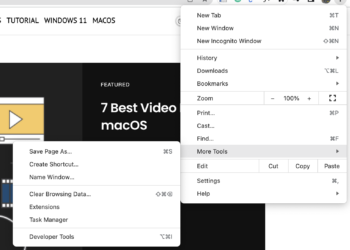
If you are a macOS user, then you might be already knowing that the Launchpad is the place on macOS ...

When you are travelling, a laptop or a tablet is one essential device that allows you to get connected to ...
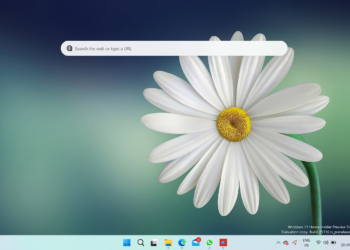
Microsoft has been improving Windows 11 ever since the first release last year. If you are a Windows Insider, you ...
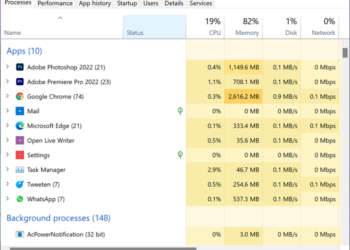
The task manager has been a part of Windows for a long time and it is used to monitor all ...
Windows 11 is the latest version of Windows OS from Microsoft and the new version is available for upgrade for ...

We have seen how the internet has evolved over the last couple of decades and now one of the most ...




