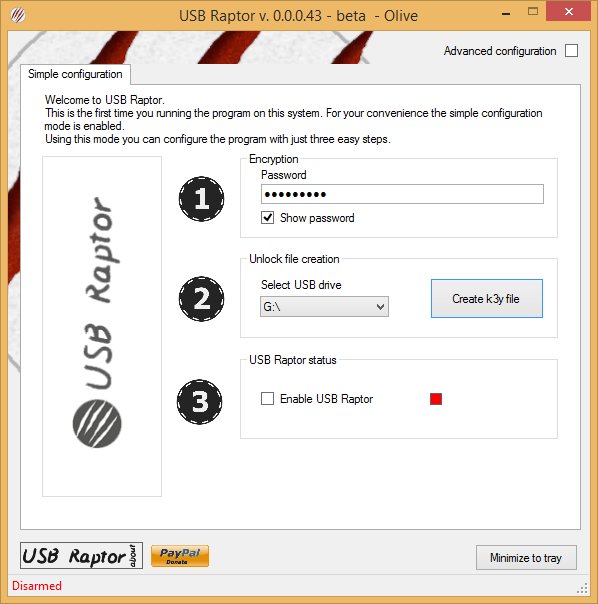
Lock or Unlock Windows PC with a USB Pen Drive
Generally when you are not using your PC, you keep it secure by locking it and then when you back ...

Generally when you are not using your PC, you keep it secure by locking it and then when you back ...
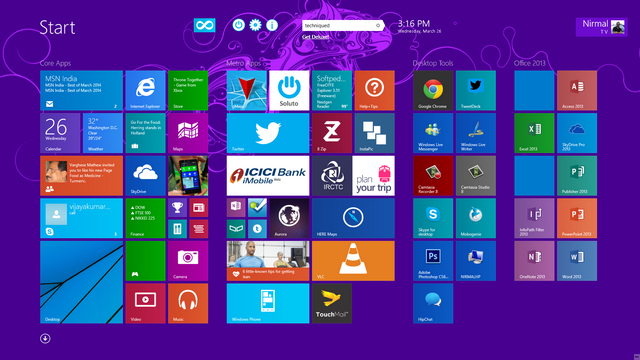
Windows 8.1 has the most important change with respect to the start screen. The start screen is one of the ...
We all love to tweak and customize Windows 8 to our liking and the best option to do it is ...
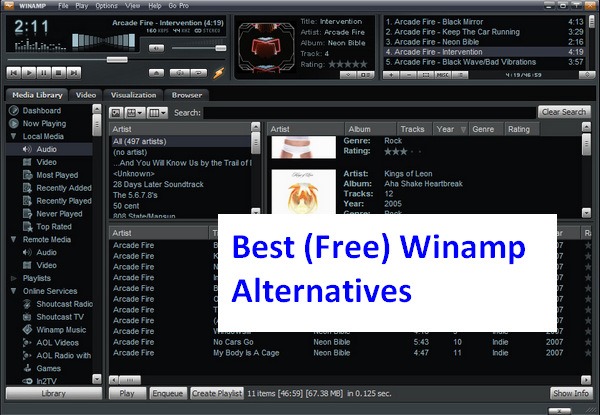
Winamp is a media player for Windows-based PCs and Android devices, written by Nullsoft, now a subsidiary of AOL. It ...
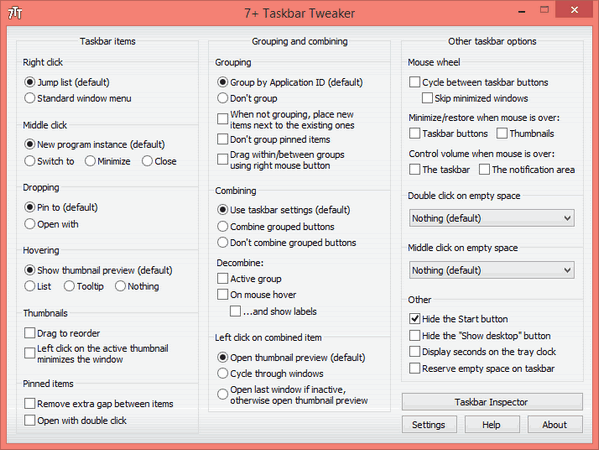
When Microsoft released Windows 8 back in October 2012, one of the main complaints was the lack of start button ...
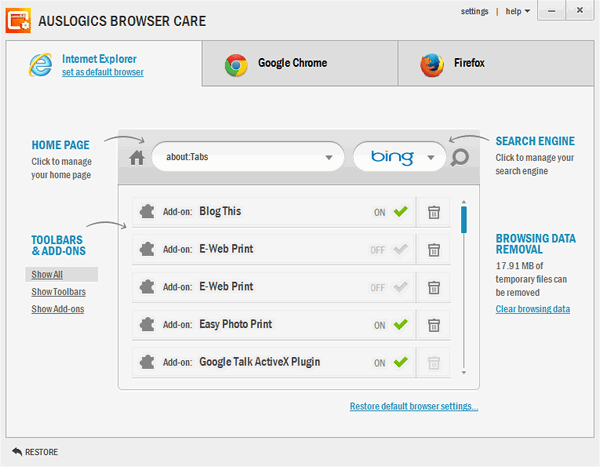
Web browser is the best tool if you are an Internet addict and you have variety of options to choose ...
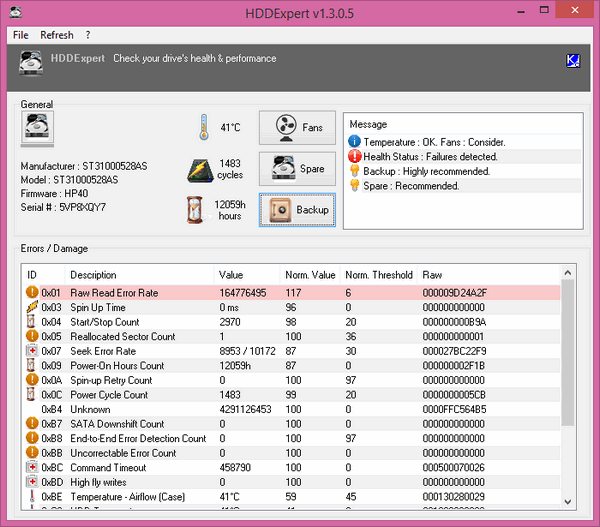
When it comes to PC, the hard drive is one of the most important aspects as it holds all your ...
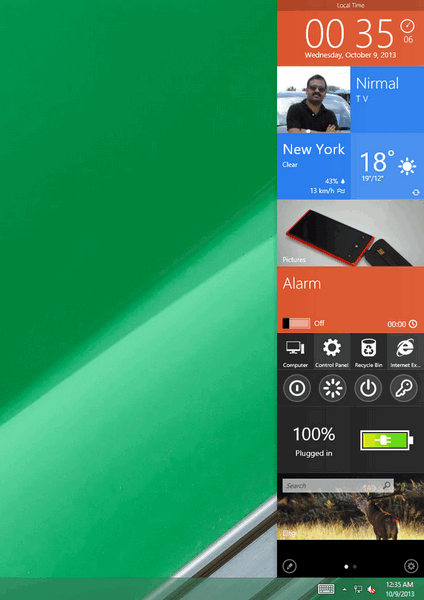
If you have used Windows Vista anytime, you might not have forgotten the sidebar which was available with the build ...
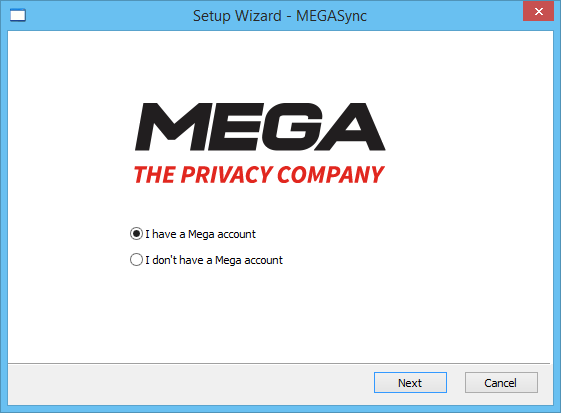
Mega, Ltd. (branded as MEGA) is a file hosting service and successor to Megaupload and opened by KimDotcom in January ...
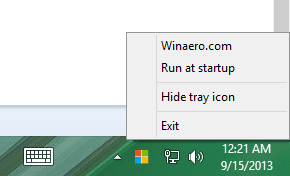
One of the main changes to Windows 8.1 built is that the start button from older Windows version is back. ...




