Google has rolled out the new look for Gmail and now it has started to appear on the Gmail accounts. You can switch to new account by clicking on the link which appears below inside Gmail. One of the main features of the new look is the availability of new HD themes with imagery provided by iStockphoto. There are quite a few HD themes available for new Gmail and some of the old themes have been discontinued. To enable new HD themes, click on the settings link on the top right corner and select themes from the options.
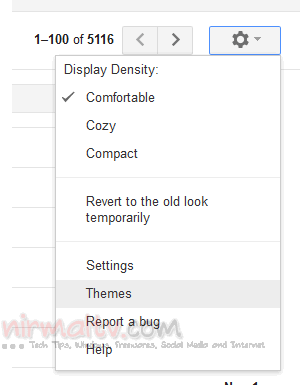
This will open the themes inside the Gmail settings. You can see three section, color themes, HD themes and classic themes.
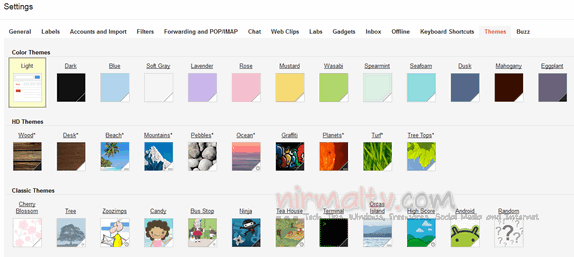
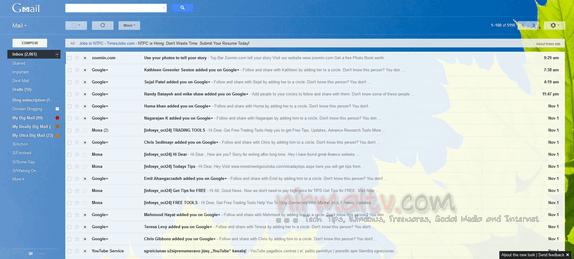
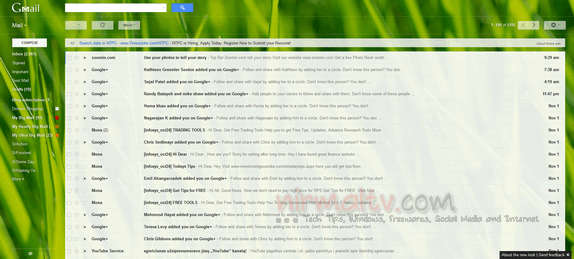
Click on any of the one listed under HD themes to enable them. Gmail will instantly enable the themes. There are couple of HD themes which will change according to your location. Below are two of the HD themes available.
You can read more about the Gmail’s new look here.