

If you are using WordPress as your blogging platform, you might be doing many editing on your themes. Changing themes on live blog is not the best option and for that it is better to install WordPress on your PC or install it locally. BitNami is a freeware tool which allows you to install WordPress on your Windows. BitNami WordPress Stack greatly simplifies the deployment of WordPress and its required dependencies. It can be deployed using a native installer, as a virtual machine, in the cloud or as a module over an already installed infrastructure Stack.
Steps to Install WordPress on Windows with BitNami:
1. First step is to download the Windows version of BitNami for WordPress, you can get it here. Once downloaded, start the installation.
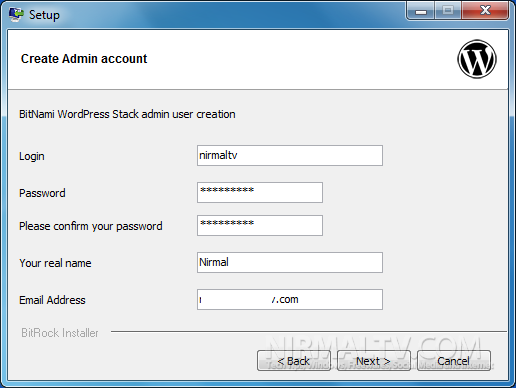
2. The installer will ask you to specify the login and your other details for setting up the admin account.
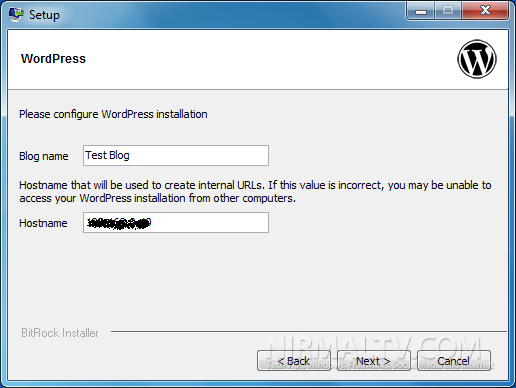
3. Now configure the WordPress by specifying the blog name, leave the hostname field as it is.
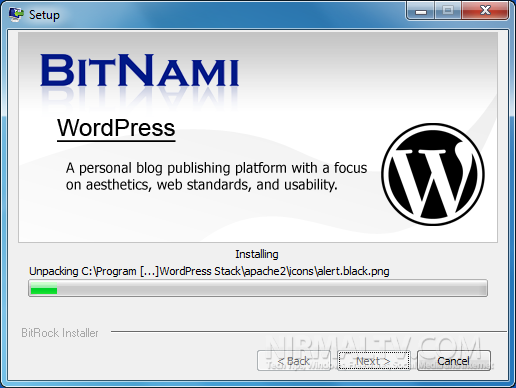
4. The installer will start the installation and once complete, click the finish button.
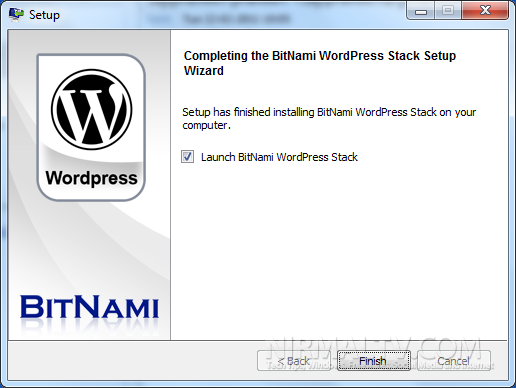
5. Now open start menu folder and navigate to “BitNami WordPress Stack” folder and click on Launch BitNami WordPress stack option.
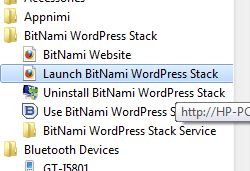
6. This will actually open the BitNami WordPress stack on your computer, now click the link Access BitNami WordPress Stack link available in the page.
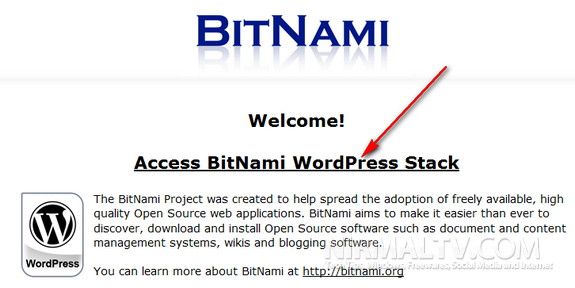
Now you can login with the username and password you had provided during the installation.
The advantage of using BitNami over other methods like XAMPP is that there is no manual configuration needed for database or WordPress. More details on BitNami for WordPress is available here.








thanks for sharing this information. Never knew that this tool also exists to install wordpress
Good stuff, traditionally it is bit complex to install WordPress on top of XAMPP.
This does simplify the job a lot.
Cheers.
I use xampp for installing wordpress.BTW thanks for sharing this new software.
wamp works great for me! But I’ll try this out! Thanks (:
really nice article 🙂
I like the old school method of installing apache,mysql,php separately and configuring it as per my requirements. Bitnami can be useful for beginners…thanks for sharing this info
XAMPP its better than this osftware….
Hi Nirmal, Nice tip, I was not aware of this.
Thanks for sharing!
Help me in installing CMS(word press) software for windows 7? how to install file?