

When you install a program on your PC, there might be chances that some rouge programs also installed or it can also get downloaded when using the Internet. These programs might use your CPU as well as the hard disk. “What’s My Computer Doing” is a freeware tool which can tell you which all programs are accessing your hard disk and CPU at any time. You can also get detailed information about the programs using hard disk or CPU.
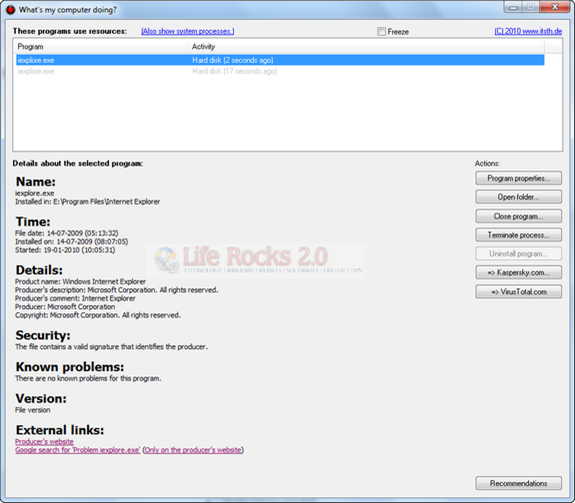
The application lists out all the programs using the hard disk and also the CPU. It refreshes itself when a new program accesses. You can view the program properties when you select the program from the list.
The application also lists the last access time, details, security related issues and also the known problems with the program. You can directly terminate any process using the tool.
“What’s My Computer Doing” is quite an useful tool for getting the programs accessing the hard disk and also the CPU.
Download “What’s My Computer Doing”








> some rouge programs
“Rouge” is a cosmetic; did you mean “rogue”?