

Bing, the Microsoft’s decision search engine is live with today and the it definitely looks great with some cool features.If you want to add Bing search to Windows 7, here is the simple process to do it. Chakkardeep, a Sharepoint developer has created a search connector for Bing on Windows 7. With this connector, you can directly search Bing from the Windows 7 explorer.
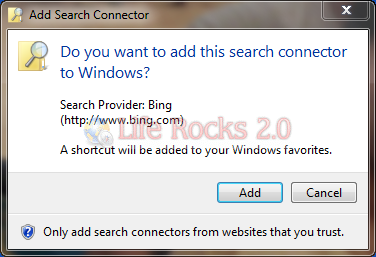
This will add an item to Favorites in Windows 7.
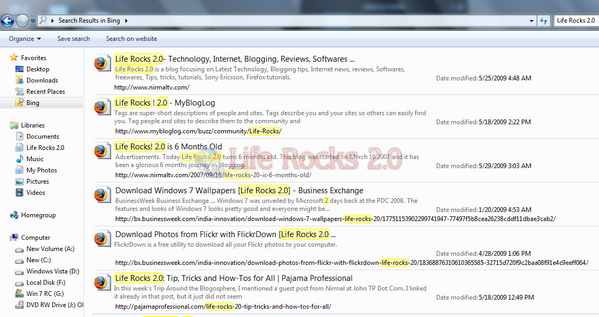
So next time you want to search anything on Bing, just type it in the explorer search. You can add Bing to Internet Explorer 8 as well using the search providers option available here.
Download Bing Search Connector







