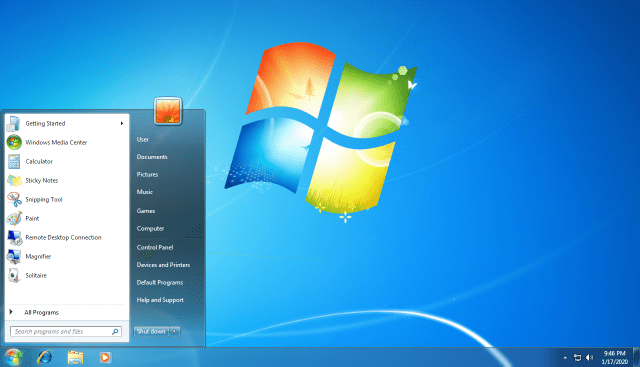
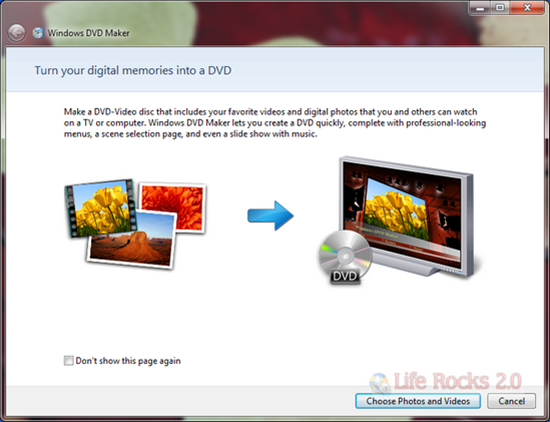
Windows DVD Maker, which was available in Vista Home Premium and Ultimate versions is also available in Windows 7. Windows DVD Maker enables you to create professional-looking video DVDs of your home movies and photos that can be viewed on your DVD players, regardless of geographical region codes. Windows DVD Maker is also integrated with Windows Photo Gallery, which enables you to select your photos and then burn it to a DVD. To create a DVD, click on start menu and then type “Windows DVD Maker” and enter. You can also open it using the run command, Start->Run->dvdmaker.
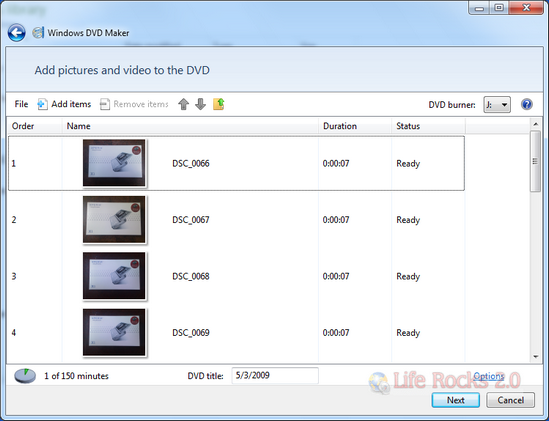
Next step, you can add photo, videos and audio files.
In the next step, you can select the menu style of the DVD. You can also customize the DVD menu with fonts and styles.
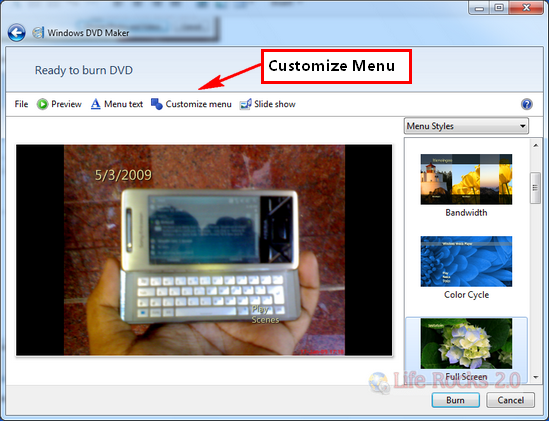
Once you are done with the customization, insert a blank DVD and start the burn process. Windows DVD Maker automatically creates intelligent chapter points by analyzing the photos and videos and creating compelling motion video thumbnails. Using your remote control, you can easily navigate between chapters when viewing the DVD.