

Ever wanted to run the Apps available for Android platform on your Windows PC? If yes, then you need to be trying out BlueStacks, which is a freeware app which lets you run any Android app on Windows desktop. If you own an Android-based phone or tablet you can use the BlueStacks Android App Player to transfer the apps to a Windows and run them on the Android App Player. You need to download BlueStacks’ Cloud Connect app from the Android Market.
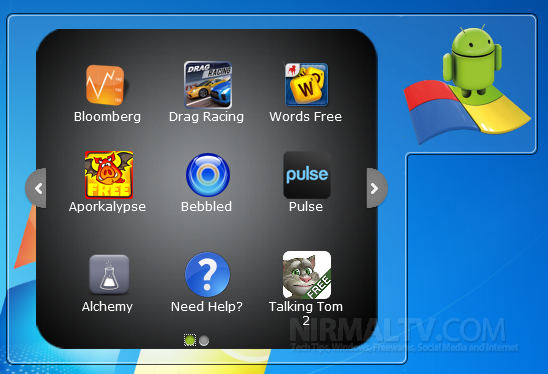
Once installed, it works as gadget and you can see some of the installed apps available. You can download more app using the option available on the gadget. As of now the free version is limited to running a maximum of 26 apps.
If you want your app installed on your phone to run in Windows, then you need to install the cloud connect app as mentioned above. It is available for free from the Android market. The apps installed on Windows run full screen with Android phone like options available.
Here is a demo of BlueStacks;
The app is currently in alpha which means we can expect more features as well as a paid version of this app without any limitation to number of apps. One disappointing feature of this tool is that you need to login with your Facebook account to install new apps, which we feel isn’t the right way, there should have been options to use an Open ID or a normal account creation.
You can download BlueStacks from here.







