Tag: Windows 7

How to Install and Configure XP Mode in Windows 7

How to Install and Configure XP Mode in Windows 7

May 8, 20096 Comments

We have already covered in detail the configuration and set ups needed to enable the XP mode in Windows 7. Now we will discuss in detail how to download, install and configure the XP mode on Windows 7. First step in the installation process is to download Windows XP Mode Beta and also the Windows [...]

Windows 7 Upgrade Advisor Checks if PC can Run Windows 7

Windows 7 Upgrade Advisor Checks if PC can Run Windows 7

May 8, 20094 Comments

Most of the people installing Windows 7 are upgrading from Windows XP. There might be some compatibility issues when upgrading from Windows XP. If you are upgrading from Windows Vista, then your PC is compatible. Microsoft is offering a tool that can be used to determine if a PC is able to run Windows 7– [...]

Windows 7 Transformation Pack for Windows XP

Windows 7 Transformation Pack for Windows XP

May 7, 200911 Comments

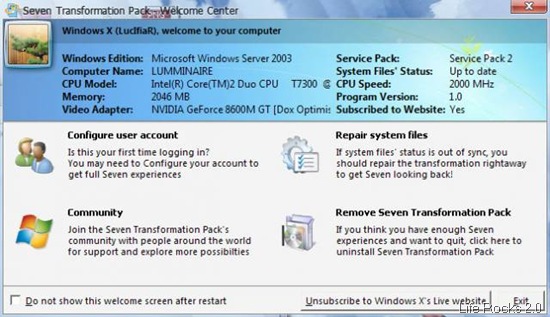
Now that Windows 7 RC is released, we have some transformation packs for Windows 7 which can convert your XP based PC to the look and feel of Windows 7. Previously we had covered about Seven Remix XP, another transformation pack which was designed to improve the GUI of Windows XP. The Seven Transformation Pack, [...]

How to Create and Share Windows 7 Themes

How to Create and Share Windows 7 Themes

May 6, 20094 Comments

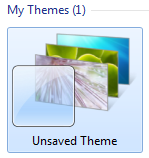
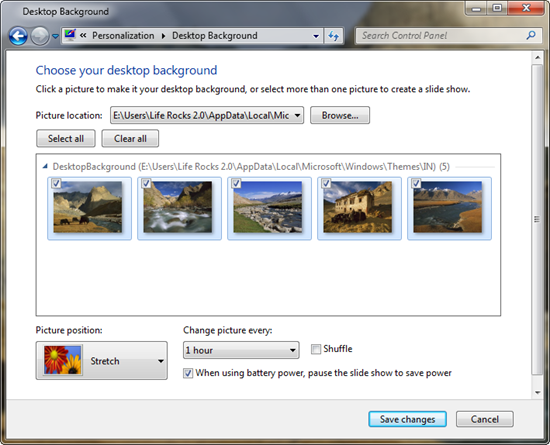
Previously we had covered some great looking themes for Windows 7. Similar to other Windows OS, you can create and share themes along with the customizations you make on the default themes. When you change any theme settings under personalization (right click on the desktop-> Personalization), it will be made into a new theme which [...]

Windows 7 Parental Controls

Windows 7 Parental Controls

May 6, 20092 Comments

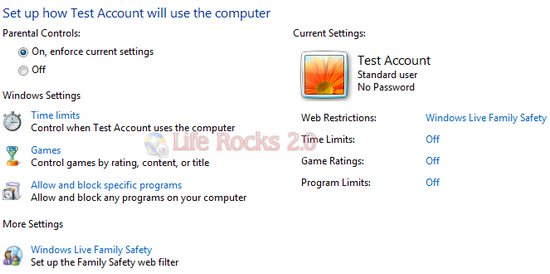
Parental controls help you manage how you want other users to use the Windows 7 PC. You can set limits on the games your children can play and also the hours that your children can use the computer and also the application they can use. Parental Controls blocks access to any particular game or program [...]

How to Enable XP Mode in Windows 7

How to Enable XP Mode in Windows 7

May 5, 200913 Comments

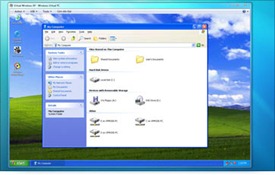
One of the new features announced in Windows 7 RC is the availability of XP mode. Windows XP Mode for Windows 7 makes it easy to install and run your Windows XP applications directly from your Windows 7-based PC. It utilizes virtualization technology, such as Windows Virtual PC, to provide a virtual Windows XP environment [...]

How to Create a Power Plan in Windows 7

How to Create a Power Plan in Windows 7

May 5, 20091 Comment

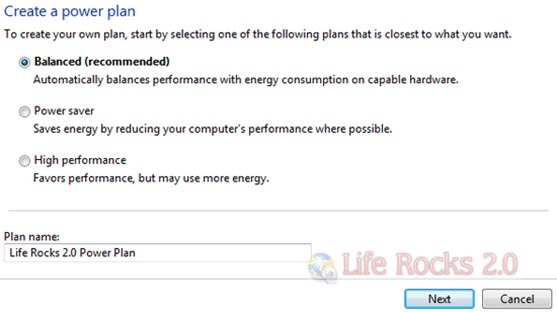
Windows 7 is build such that it helps reduce power consumption by working with the latest hardware power-management capabilities and better managing how application processes use the processor. Windows 7 includes device driver support for the latest processor power-management technologies from leading independent hardware vendors. Windows 7 comes with build in power plans, but you [...]

Download Windows 7 RC

May 5, 20093 Comments

Microsoft has made available the Windows 7 RC and is now available for public download from Microsoft servers. You can now try the Windows 7 pre-release software and you can see the changes and fixes from the Beta testing. Unlike the beta version, the Release candidate will be available till July 2009 and there is [...]

How to Migrate from Windows XP to Windows 7

How to Migrate from Windows XP to Windows 7

May 4, 200911 Comments

Windows 7 RC is scheduled for public release on May 5th 2009. Many of the Windows users are still using Windows XP and it is the right time to do an upgrade to Windows 7. Upgrading to Windows 7 is a simple process and you will not lose any files and documents which you had [...]

Create DVD of Photos and Videos with Windows DVD Maker

Create DVD of Photos and Videos with Windows DVD Maker

May 4, 20092 Comments

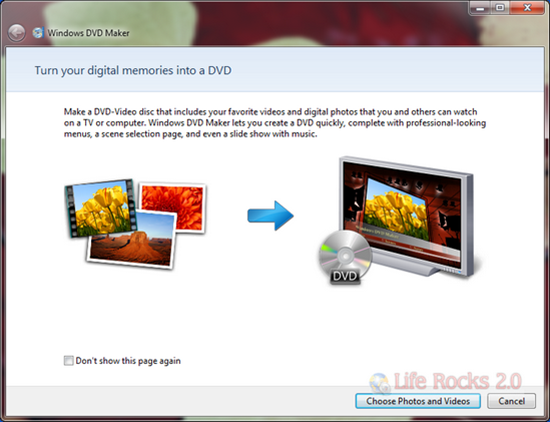
Windows DVD Maker, which was available in Vista Home Premium and Ultimate versions is also available in Windows 7. Windows DVD Maker enables you to create professional-looking video DVDs of your home movies and photos that can be viewed on your DVD players, regardless of geographical region codes. Windows DVD Maker is also integrated with [...]

Android

Wirelessly Transfer Files between your Android and Mac

Wirelessly Transfer Files between your Android and Mac

Published on June 17, 2013
June 17, 20130 Comments
How to Clear Cache for all Apps in Android

How to Clear Cache for all Apps in Android

Published on June 17, 2013
June 17, 20130 Comments
Protect WhatsApp (Messages) with a Password using WhatsApp Lock

Protect WhatsApp (Messages) with a Password using WhatsApp Lock

Published on June 17, 2013
June 17, 20130 Comments

Windows 8

Windows 8 Activation Errors

Windows 8 Activation Errors

Published on June 18, 2013
June 18, 20130 Comments
How to Create a System Image in Windows 8

How to Create a System Image in Windows 8

Published on June 17, 2013
June 17, 20130 Comments
Things to Know before you Upgrade to Windows 8.1

Things to Know before you Upgrade to Windows 8.1

Published on June 6, 2013
June 6, 20131 Comment

Tutorials

How to Enable Two Step Verification in LinkedIn

How to Enable Two Step Verification in LinkedIn

Published on June 4, 2013
June 4, 20130 Comments
[How To] Enable Two Step Verification in Evernote

[How To] Enable Two Step Verification in Evernote

Published on May 30, 2013
May 30, 20130 Comments
[How To] Enable Two Step Verification in Twitter

[How To] Enable Two Step Verification in Twitter

Published on May 23, 2013
May 23, 20130 Comments

Windows Phone

IPL 2013 Apps for Android, Windows Phone and iOS

IPL 2013 Apps for Android, Windows Phone and iOS

Published on April 2, 2013
April 2, 20131 Comment
130000 Apps in Windows Phone Store

130000 Apps in Windows Phone Store

Published on February 25, 2013
February 25, 20130 Comments
Siri like Personal Assistant, Indigo for Android and Windows Phone 8

Siri like Personal Assistant, Indigo for Android and Windows Phone 8

Published on February 25, 2013
February 25, 20130 Comments

Back to Top