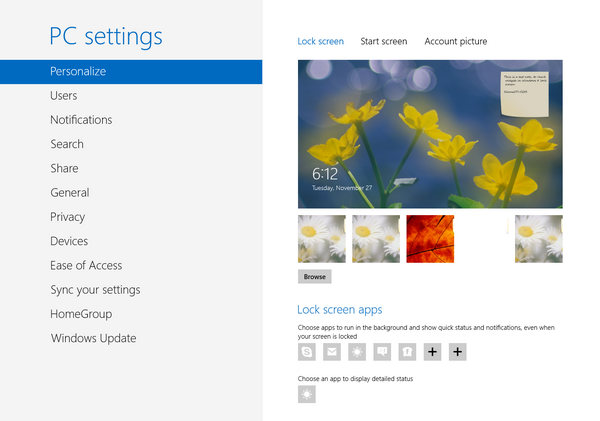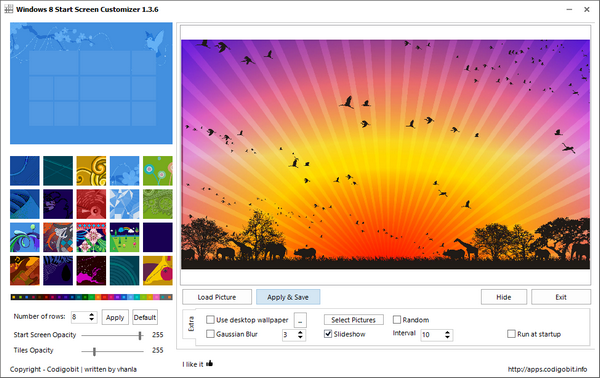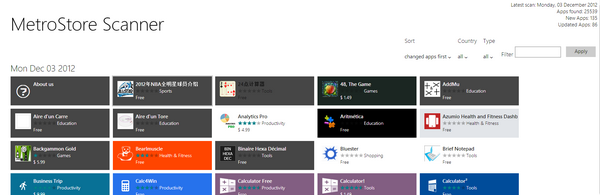
Windows 8 has an additional option in the form of Lock screen which displays notifications and other details when the computer is locked. Microsoft allows you to customize the lock screen by selecting any wallpaper. LockPic is a new freeware ...
Read More »Tag Archives: Windows 8
Feed SubscriptionHow to Repair Windows 8 from Boot Menu
There are many reasons why your Windows 8 installation wont boot up, this could be because of an recent hardware change or some recently installed software messed up the system files or any other reasons. In such cases it is ...
Read More »Get Back the Sidebar Gadgets in Windows 8
Windows used to have a long sidebar which is a vertical bar that is displayed on the side of your desktop. It contains mini-programs called gadgets, which offer information at a glance and provide easy access to frequently used tools. ...
Read More »Start8 Brings the Original Start Menu in Windows 8
Windows 8, which is expected for final release on October 26th and one of the major change is the start screen. While many users accepted the new change, a majority of users were not happy with the implementation of it ...
Read More »Get the Start Menu and Start Button in Windows 8 RTM
One of the main changes in Windows 8 is the new metro UI or the modern UI start screen and it completely replaces the old classic style start menu. While many like the new start screen, there has been constant ...
Read More »How to Install Windows 8 Without a License Key
Windows 8 has been RTMed and is available for download for Technet and MSDN users and will be available for general public on October 26th. One of the major changes in the Windows 8 installation procedure is that you cannot ...
Read More »How to Change the Product Key for Windows 8
Windows 8 is already Released to Manufacturing and the final build will be available for general public on October 26th, while it has been already made available on MSDN and Technet. If you are installing the Windows 8 Pro or ...
Read More »How to Activate Windows 8
Generally when you install Windows 8, you will need to specify the product key and only after validating it, the install will proceed. Since you have entered the key while installing, Windows will automatically activate your copy when you are ...
Read More »Take a Screenshot of Windows 8 Logon and Lock Screen
Unless you are running Windows 8 on a virtual disk, there is no way to take the screenshot of the logon screen or the new lock screen. This is because unless you unlock it, the installed apps will not be ...
Read More »Mountain Lion Skin Pack for Windows 8
We have covered various skin packs (or Transformation packs) on this blog including the iOS6, Android Jelly Bean, Angry Birds, OSX Mountain Lion Theme etc. Apple has released it latest Mac OS X, Mountain Lion and Microsoft has released RTMed ...
Read More »