Tag: PowerPoint 2010
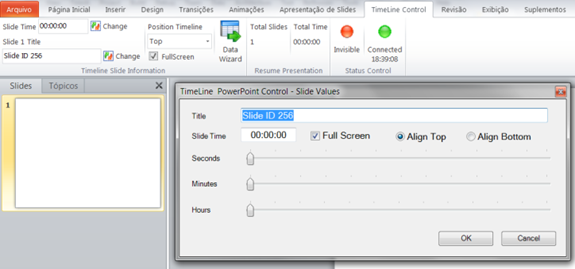
Manage Presentation Timeline in PowerPoint 2010 with Timeline Control
When you have a good PowerPoint 2010 presentation ready, the next big task is to control the timeline during the presentation. Timeline Control is a freeware PowerPoint 2010 add-in that makes it easier to use your presentations. Using this tool, you can control the time slide by slide for the presentation. You can also create [...]
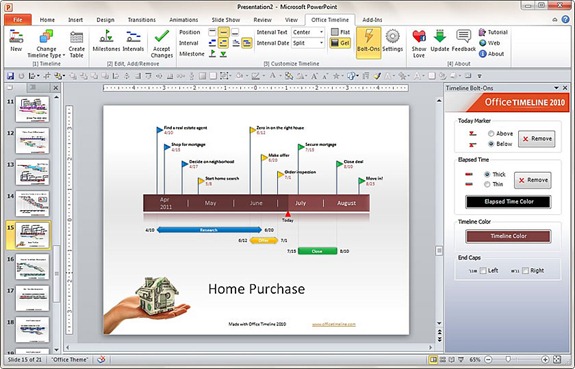
Create Timelines in PowerPoint with Office Timeline 2010 Add-in
Although PowerPoint 2010 has options to create a timeline chart, Office Timeline 2010 is an useful Microsoft PowerPoint add-in which helps create timelines with an easy-to-use wizard. The wizard make the process easy and guides you through each step, letting you to create professional looking timelines in a matter of minutes rather than having to [...]
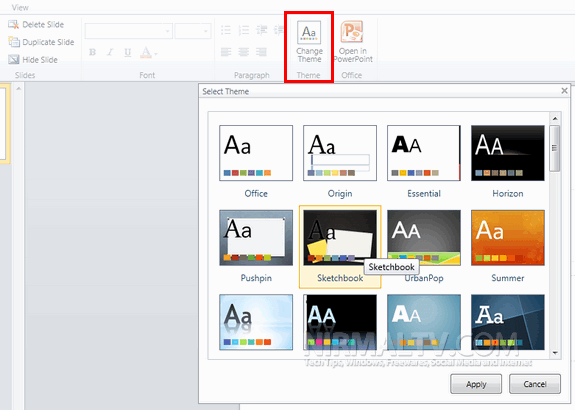
How to Change PowerPoint Theme in Office Web App
Microsoft had released the web version of Office 2010 last year and user were able to access Word, PowerPoint or Excel online. Although the Office web apps are limited in features, it is still helpful because of its integration with SkyDrive. Office Web Apps has released a new update where in you can change the [...]
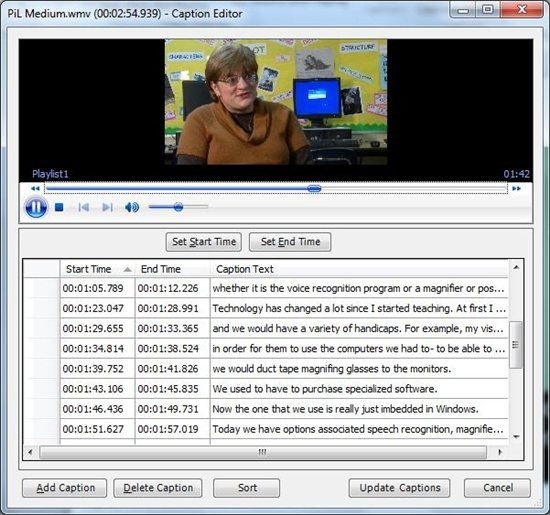
Add Subtitles/Captions to PowerPoint 2010 with STAMP Add-in
Microsoft has released a new accessibility add-in, STAMP, for PowerPoint 2010 which allows users to quickly and easily add closed captions to any video and audio files included in their presentations, either by creating the captions within PowerPoint or by importing an existing industry-standard Timed Text Mark-up Language (TTML) file. You can also add captions [...]
Download Free PowerPoint 2010 Templates
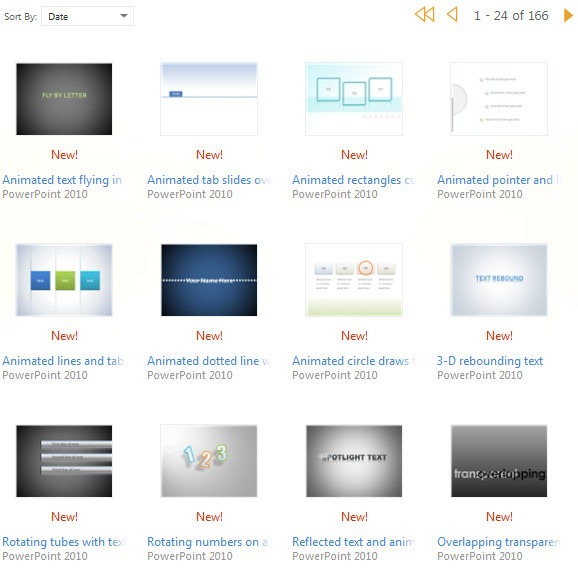
Microsoft’s Office team has released a set of 165 fabulous templates for PowerPoint 2010. These templates are created by PowerPoint MVP Julie Terberg and available for download for free. You can either download the templates and use as it is or modify it to suite your requirements. These templates comes with animation and professionally designed [...]
How to Change the Color of Hyperlink in PowerPoint Theme
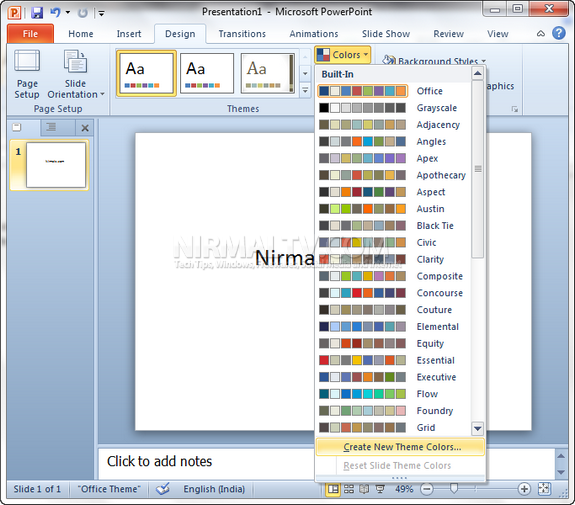
When you have created a nice PowerPoint 2010 presentation, it would be better that the text and link colors are in sync with the theme used. PowerPoint 2010 provides you with options to select the colors based on your theme. To change the hyperlink color, select the Design tab, in the Themes group, click Colors, [...]
Insert a YouTube Video in PowerPoint 2010
PowerPoint 2010 has an in built feature of adding videos to slides from video sharing sites like YouTube etc, but this feature requires you to get the embed code and then use it to add to PowerPoint. There is no options to customize video size and properties using this feature. YouTube Video Wizard is free [...]
How to Create Custom Shapes in PowerPoint 2010
PowerPoint 2010 comes with a host of new feature and we have covered most of them. Creating custom shapes is a relatively hidden feature of PowerPoint 2010. This feature allows you to create custom shaped by combining, union, subtract and intersect. This is a relatively advanced feature, so it doesn’t appear by default on the [...]