Windows 8
4 Ways to Quickly Access Control Panel in Windows 8
Windows 8 comes with many major changes including the start screen, Windows Explorer, task manager and many more. The classic start screen which features in Windows 7 and previous versions are now not available in Windows 8. When you use Windows 8 for the first time you might always have difficulty in accessing the apps [...]
Windows 8 Upgrade Plans
Windows 8 is coming close to final release and there are rumours that the RTM version might be out in July, although the availability of general public might be little later. As per Microsoft’s initial announcement, there would be only two mainstream versions- Windows 8 and Windows 8 Pro along with Enterprise and RT versions. [...]
How to Bypass Metro Start Screen and Open Desktop Directly in Windows 8
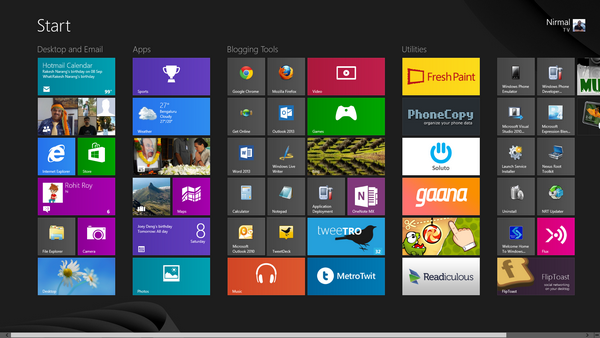
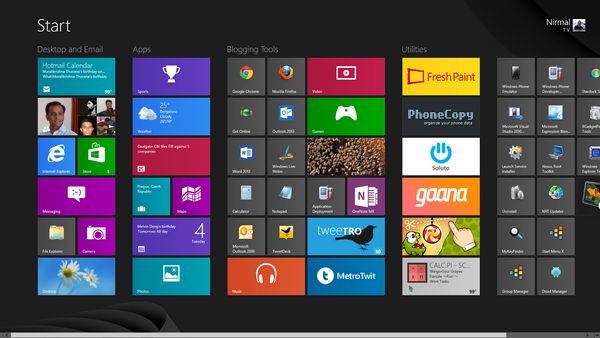
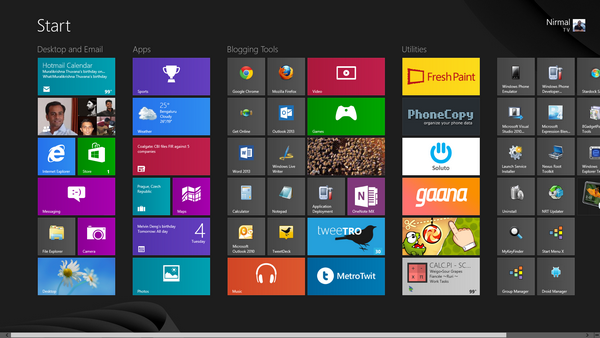
Windows 8 has one of the main changes in the form of start screen. The metro UI start screen offers a totally different user experience when compared to the traditional start menu in Windows 7 and previous versions of Windows. The start screen in Windows 8 is customizable to an extend, but in case you [...]
How to View the Installed Apps in Windows 8 Store
Windows 8 has many new features like the new start screen, task manager and also the new Windows Explorer. Another good feature of Windows 8 will be the app store. The Windows 8 store has already some great apps available and new apps are being added each day. You can install apps directly from the [...]
How to Run Applications as Administrator in Windows 8
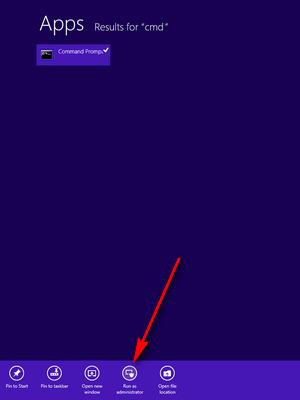
Windows 8 has many new features when compared to the older versions of Windows and one of the main additions is the new start screen with metro UI. The start screen provides you with live updates and also easy navigation. Now what if you wanted to run an installed app as administrator? In the previous [...]
How to Retrieve Files from the Windows.old Folder
Microsoft has release the Windows 8 Release Preview few days back and it provided options to upgrade from earlier versions of Windows like Windows 7, Windows 8 consumer or developer preview, Windows XP and Vista. If you were running Windows 8 Consumer Preview or developer preview and installed Windows 8 Release Preview and didn’t reformat [...]
How to Close a Metro App in Windows 8
If you have been using Windows 8, you might probably know that there are many metro styled apps available and also new apps can be installed from the Windows app store. But one important feature about these apps installed from the app store is that they do not have a close button. In Windows 8, [...]
How to Turn Off Live Tiles in Windows 8 Start Screen
One of the main features of the new Windows 8 is the start screen. We have discussed on how to get started with the start screen on this blog. One of the main features of the new start screen is the live tiles, which means it updates with latest information from the Internet and displays [...]
How to Find the Expiry Date of Windows 8
Microsoft recently pushed the final test version of Windows 8, known as Release Preview. The final version is expected to be out some time in October 2012. All the three test versions developer preview, consumer preview and release preview have limited validity, which means they are basically evaluation software. You can easily find the expiry [...]
Compatibility Center for Windows 8 Release Preview
Windows 8 Release Preview was released few days back and you can now download and install this version of Windows 8. With the final version of Windows 8 expected some time in October, you can get used to the new OS with the release preview. One important thing most of us think of before installing [...]