Windows 8 has an additional option in the form of Lock screen which displays notifications and other details when the computer is locked. Microsoft allows you to customize the lock screen by selecting any wallpaper. LockPic is a new freeware app for Windows 8 which allows you to customize and change the lock screen wallpaper from a collection of more than 1000 wallpapers.
LockPic app displays the wallpapers from the popular website WallpaperFusion.com
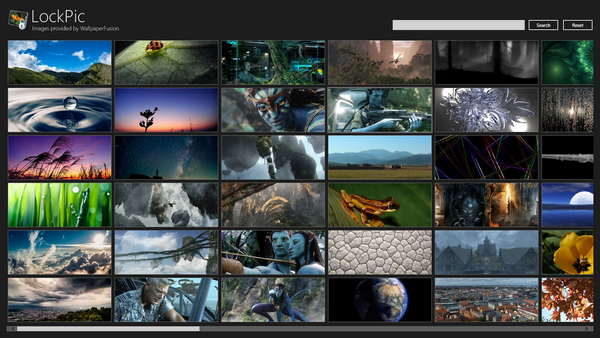
When you open the app, it populates you with a scrolling list of awesome lock screen images. You can also perform search for an particular category. When you click on any wallpaper, you get the option to set it as lock screen right from the app (bottom right corner). This saves the time to manually save it to desktop and then set as lock screen.
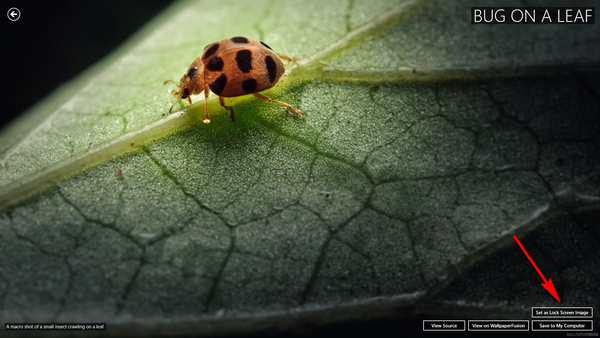
There are 1000s of awesome wallpapers available which you can set as your lock screen in Windows 8. The app is available for download from the Windows Store.
[Thanks Vasudev