

Instagram is a very popular photo-sharing app on the iPhone (iOS) and recently they had released the Android version as well. Using Instagram, you can capture photos and quickly apply filters to the photos and then share them on Facebook or Twitter. The ease with which you can do this has made this app very popular. You can also follow people, like photos and comment on photos. But Instagram photos are visible only for another Instagram user (or unless you have the image URL), in other words, Instagram does not have a web interface.
But there are many third party free web apps to view Instagram photos with or without an account using the web browser. In this article, we will cover the best free web apps to view Instagram photos and like or comment them.
1. Copygr.am:
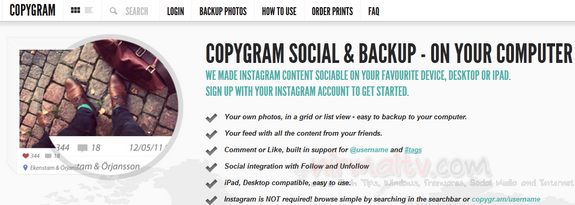
Using Copygr.am you can view any Instagram photos easily and even without any account. If you have an account, you can login and download your Instagram photos to the desktop. You can use Copygram to copy and download your photos to your computer. You can then upload them to Facebook, Google+ or order prints.
2. Webstagram:
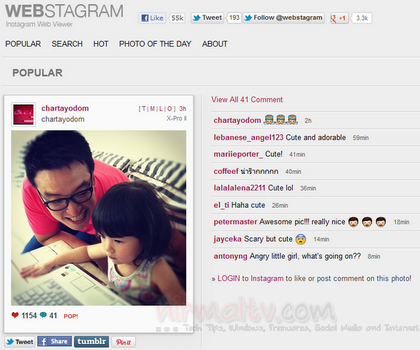
This is probably one of the best Instagram web viewer with lots of features. You can view photos of the people you follow, like and comment on photos and follow and unfollow other users. You can also see your followers and following. You can browse popular photos / tags / users and get your RSS feeds.
3. Extragram:
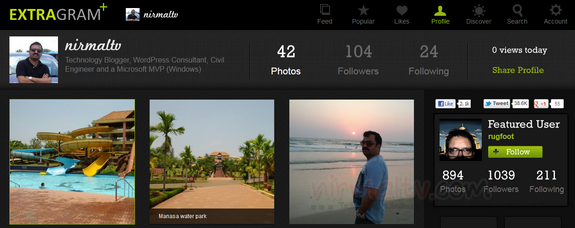
This service allows users to browse their own photos, photos in their network feeds as well as popular images. You can find popular and amazing images shared on Instagram and then share these pictures on other social networks including Google+, Facebook, Twitter etc. Extragram allows you to search users, photos by places and hashtags and view the stream. Extragram has an excellent UI for viewing photos.
4. Instagrid:
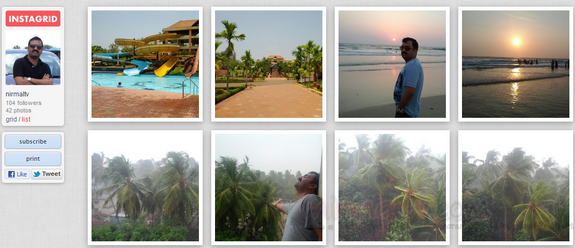
This is yet another service to view your Instagram photos. Once you have logged in you get a vanity URL for your Instagram photos. You can subscribe button from any user’s gallery, and receive their new Instagram photos in a beautiful email every few days. A great way for your family, friends, and fans who are not on Instagram to follow you.
5. GramFeed:
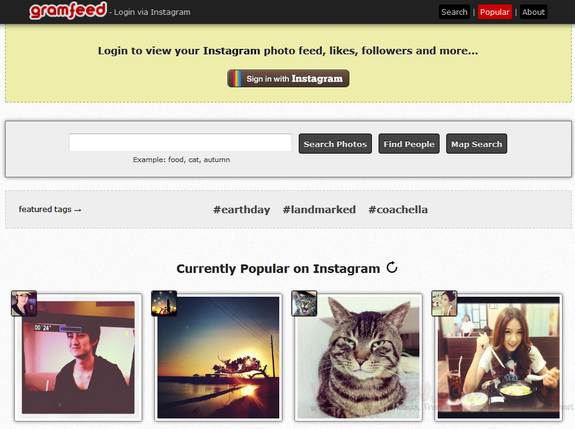
Gramfeed is website for viewing Instagram Photos, you can view popular Instagram photos, view your Instagram photo feed, view your follower’s photo feed, visualize photos on Google maps, post comments, like photos, search photos by tags or location, search users, follow new users and more.
6. Ink361:
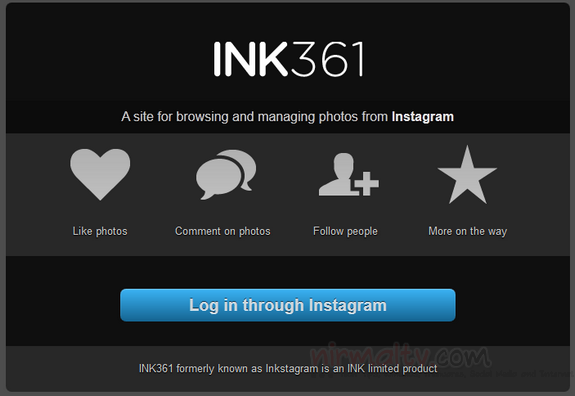
Ink361 is a free service to browse and manage your photos on Instagram. You can like photos, comment on the photo and also follow users using your account. You can also view the popular photos on Instagram.
7. Followgram:
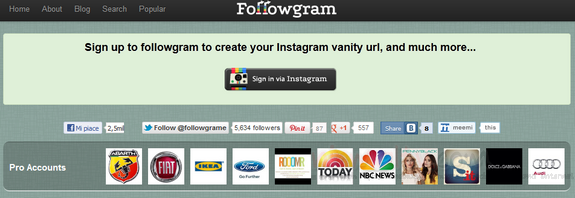
Followgram is a web app developed as a way to extend those Instagram’s basic functions so appealing to millions of users already. Followgram creates an Instagram’s follow button to be embedded on websites, blogs and so on and provides its users with a vanity URL, his/her photo gallery, friends, followers & following lists.
8. Quickagram:
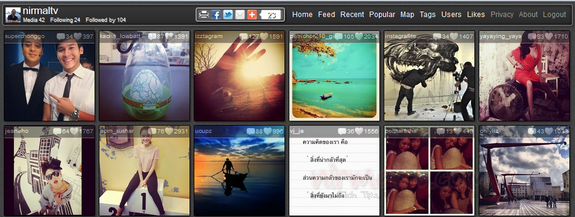
This is yet another free service to view the Instagram photos. You can view the recent as well as popular photos from Instagram. You can also search users, tags and see them on maps.
9. Gramgrab:
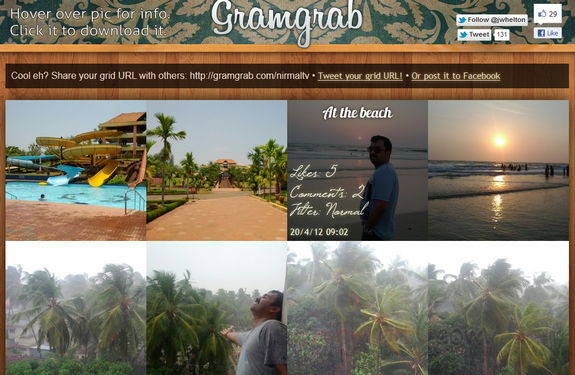
This is simple service to view and download your Instagram photos. You need to login with your account and click on the photos to start downloading them. Unlike other service, you cannot view popular photos or photos from other users.
10. Instagreat:
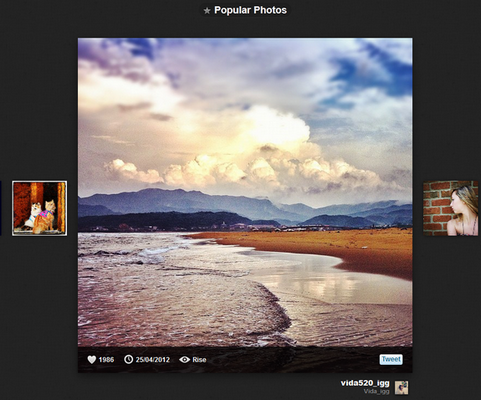
Using this service, you can search photos, view popular ones and also view your timeline. You can also search for photos based on a filter applied for the photo.
You can pick any of the services based on the features, some of them allows you to download photos to the desktop as well.








Just few days back wrote a post with same title – 10 apps to view instagram photos on web. Adding to your list, Instamaker, stickygram, printstagram, postagram are also some nice apps for instagram.
Ok nice, checked your list. In fact instagram apps are flourishing now..its popularity is skyrocketing!
can you upload pictures to instagram using any of these third-party sites?
Nope, uploading can be done only via iPhone or Android app.
how can i put “follow” button for my mobile web application.?
http://www.stampainstagram.it -the best stampa foto instagram
a great article contain many information like the person like me…thanks for publish this
I just love your blog.Thanks for posting it.short sale attorney new york
i have something that someone comeback again….there is a lot of useful information a person can get from here…I must say,well done…i visited it daily,what a colourful blog it is….colours attracted me a lot….i visited it daily,what a colourful blog it is…. a very decent and nice blog…i like it so very much…
one….Nice article,short sale attorney
i appreciate for putting this together! “This is obviously one great post. Thanks for the valuable information and insights you have so provided here. Keep it up!”