

There are many awesome apps for iPad and we have covered many interesting one including Readdle Docs for iPad and also PDF Expert. Readdle has now come up with another awesome tool, Remarks for iPad and using this app, you can take down notes using free hand, capture ideas, annotate PDF files. It comes with tools you might need for writing down quick notes, pens and highlighters of different colors, floating text boxes, shapes and of course an eraser to make changes to the notes any time. Apart from this, you can highlight, underline, strikeout text, draw upon PDF documents.
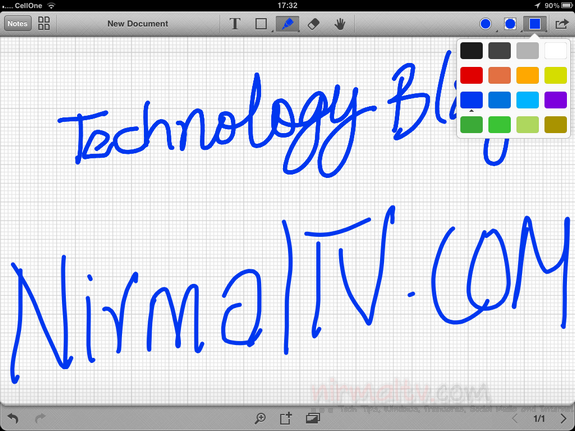
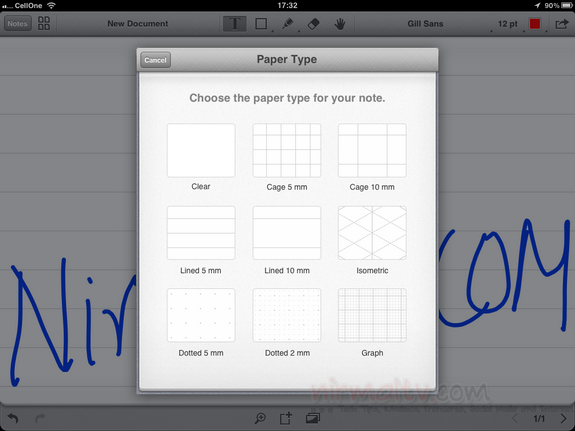
You can either use your hand or stylus for writing or use the normal text tool to take notes. The text tool supports a variety of fonts to customize. You can also change the paper type for your notes. There is also option to add shapes like arrows, circles, rectangles and lines to make it each to manage your notes.
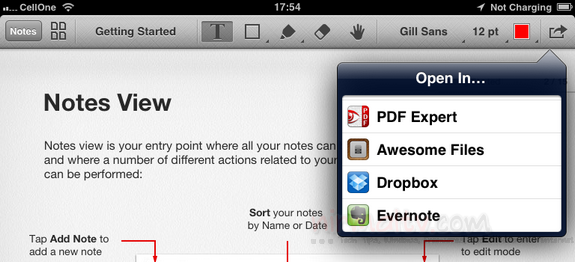
You also can add images using the camera or the photo gallery on your iPad. Once you add the photos, you can resize them or move it. Like any other Readdle app, this app also allows you to open PDF documents from cloud storage like Dropbox, Evernote or even from their own Readdle Docs. You can add multiple pages to each note and for better note management, you can also create folders and group your notes.
Here is a video of the app;
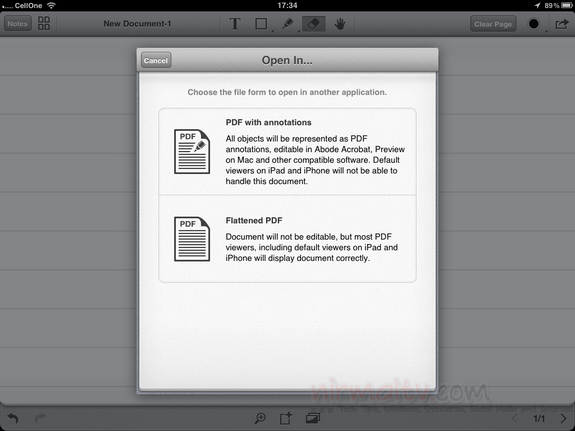
The app provides you with option to email the document edited to share it with others. Remarks is an awesome note taking app for iPad and is priced at $4.99. You can buy it from the app store.
We have couple of free licenses for this app, drop in a comment below if you liked the app. Please note this app is for iPad only.





Hi, I have so far tested many ipad note taking apps but none of them have really fared well. With the review it does look quite promising. Would be happy to get a license and check it out.
This one looks really good. I like the paper selections. If you have any licenses I’d like to try it.
This apps will put ipad further ahead of those andriod-powered gadgets.
Late to the party, any licenses left?
Thanks for the giveaway and chance! Were there any promo codes still available?
Would very love a code! Thanks in advance!
Followed as @yulonlon:twitter
Would very love a try of it if there were remain codes, PLS! Thanks for the giveaway and chance! 🙂
Nice App , would like to try it out !
TW and Follow as coolman128
Shared FB as Tony Chong
Goolge+ as Tony Chong
ertgrt
Ever since I used the iPad, I have been using the Ghostwriter Notes app from http://majorspot,com
Ever since I used iPad, I have been using also Ghostwriter Notes app from http://majorspot.com. I love the features of this app like the notes shelf and other amazing features.