

When you buy a brand new PC, the speed is really good but over a period of time the system gets slow because of the installed app and the registry changes made by these apps. Windisk is a handy and easy to use freeware application for Windows that will help you clean and improve your PC responsiveness. Windisk can clean the system or any specific user account and make the system more responsive. The home version is free for personal use.
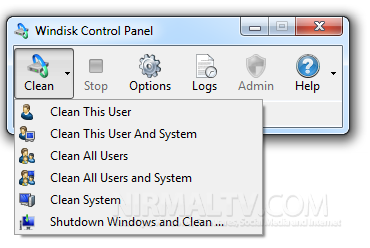
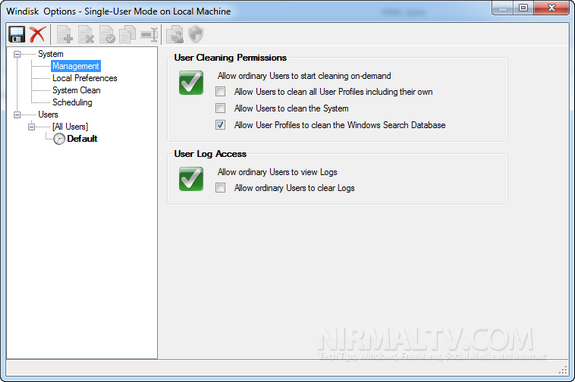
Windisk control panel has various options to clean the PC including the current user or all users. You can set the cleaning permissions and other preferences from the options.
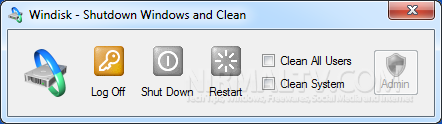
There is also a quick Shutdown Windows and clean panel available which allows you to quickly clean the PC by shutdown or restart.
Features;
- Cleans-up Internet trash and makes your computer run faster
- Effortless, automatic cleaning:
- Windisk restores your computer by removing thousands of unwanted temporary files, programs history, recent document lists and trash files.
- Keeps your Applications clean and tidy. The programs that you run every day
- Customize cleaning for your own files, folders and disk.
- Powerful, flexible, scheduling options
- Clean files and folders directly from Windows Explorer
- Multiple cleaning configurations for different times of the day or week
For home users, you need to get your free license by providing your email address.







